

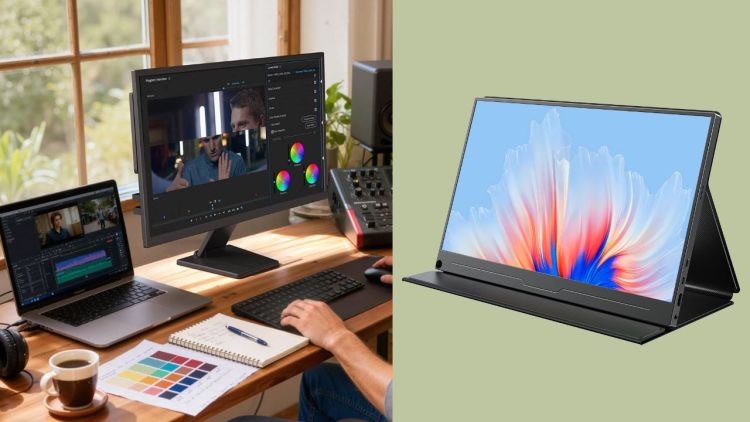
The shift toward remote learning, hybrid work, and on-the-go productivity has reshaped how modern people study and work. For students juggling online classes, coursework, and group projects, as well as remote workers balancing home offices, café work sessions, and business travel, a single laptop screen is no longer enough to support efficient multitasking. A reliable portable monitor has evolved from a niche tech accessory into an essential tool for building a flexible, high-efficiency digital lifestyle. Lightweight, plug-and-play, and highly adaptable, these displays solve the pain points of limited screen space and rigid working environments, making them the ideal upgrade for modern learners and remote professionals.
Why Students and Remote Workers Need a Portable Monitor

Work and study more efficiently with a dual-screen setup – canva via canva.com
Most students and remote workers rely solely on laptop screens for daily tasks, which brings many unavoidable limitations. Laptops feature compact displays that force users to constantly switch between tabs, documents, and software, leading to reduced focus, wasted time, and eye strain after long hours of use. A dedicated portable monitor completely changes this working and studying mode by delivering dual-screen functionality in a compact, travel-friendly form.
For students, it allows seamless multitasking: browsing course materials and watching lecture videos on the external screen while writing papers or completing design assignments on the laptop. For remote workers, it enables simultaneous management of work documents, meeting windows, and communication software, eliminating frequent window switching and greatly boosting overall productivity. Meanwhile, premium display options prioritize portability and eye protection, perfectly matching the long-hour usage needs of students and remote workers.
Unlike bulky desktop monitors that fix users in a single space, a portable monitor can be easily carried between dormitories, libraries, cafes, and temporary workspaces, supporting a truly flexible mobile office and learning lifestyle. It also serves as a practical business monitor for freelancers and remote employees who occasionally attend offline meetings or client negotiations.
Key Features to Look for in a Student & Remote Work Portable Monitor
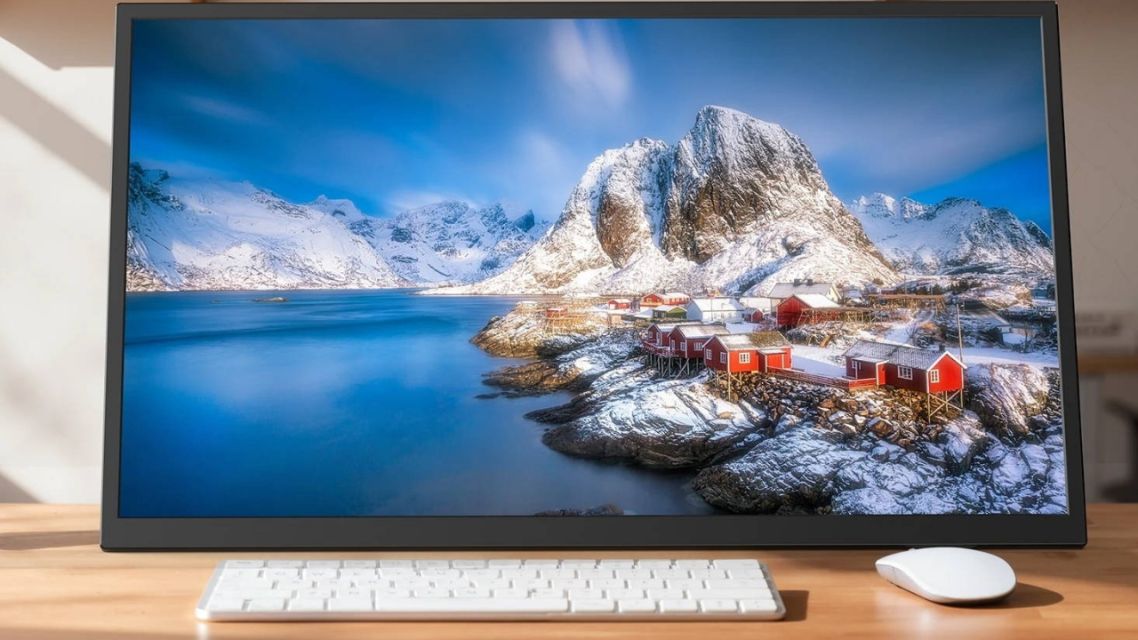
Lightweight monitor for flexible work-uperfect.com via uperfect.com
Not all portable displays are suitable for daily study and remote work scenarios. When selecting a portable monitor for long-term daily use, you need to focus on practical, user-friendly features that balance performance, portability, and comfort, rather than blindly pursuing high-end gaming parameters. The following core features are the key to a cost-effective purchase:
-
Lightweight and Ultra-Slim Body: Students often move between classrooms and libraries, while remote workers frequently switch work scenes. A lightweight display with a slim frame ensures easy storage in backpacks without adding extra burden.
-
Universal USB-C Plug-and-Play Connectivity: A simple and fast connection is essential for daily use. The best models support a one-cable USB-C connection, compatible with laptops, tablets, and smartphones without complicated driver installation or messy wiring.
-
Eye-Care Display Technology: Long-hour studying and working can easily cause eye fatigue. High-quality portable monitors adopt low blue light and flicker-free technology, effectively reducing eye strain during long-term use alongside IPS full-view panels.
-
Flexible Stand and Multi-Angle Adjustment: Built-in adjustable foldable stands allow the monitor to adapt to different desktop heights and viewing angles, helping relieve cervical pressure regardless of where you work.
Benefits of Using a Portable Monitor for Study and Remote Work
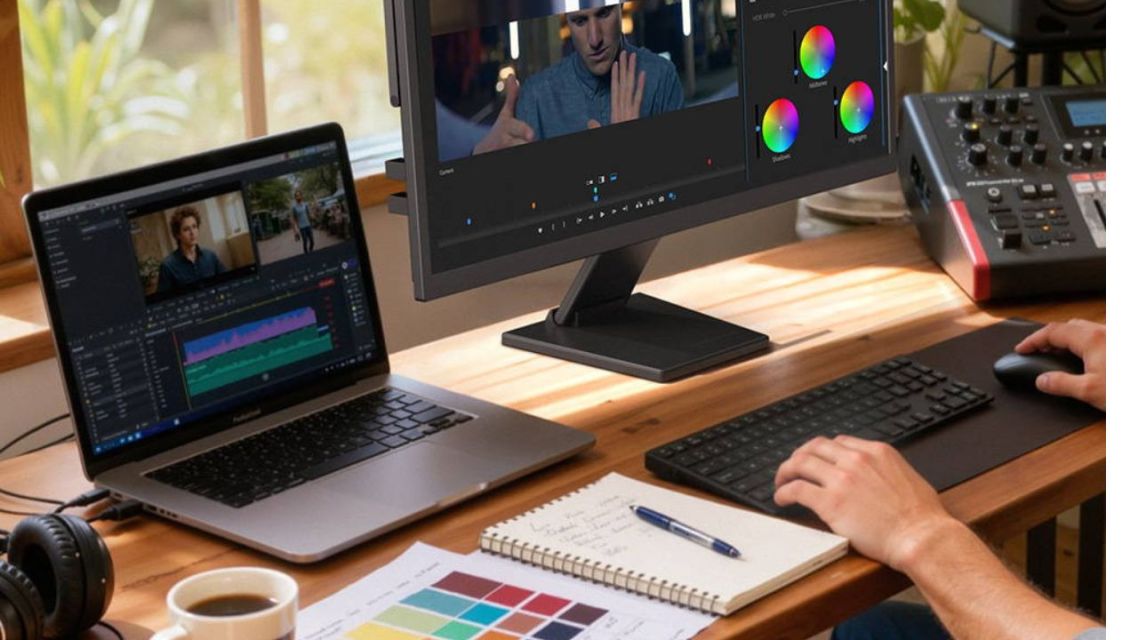
More screen space means better focus and efficiency-uperfect.com via uperfect.com
Investing in a professional display brings tangible improvements to both learning efficiency and work experience, perfectly fitting the flexible digital lifestyle of modern users:
-
Boost Learning and Work Efficiency: Dual-screen setups separate reference content and creation content completely, avoiding frequent tab switching.
-
Realize Flexible Scene Switching: Break the limitations of fixed workspaces in dorms, libraries, classrooms, or co-working spaces.
-
Reduce Eye and Physical Fatigue: Expanded screen size reduces squinting while eye-protection technology filters harmful blue light.
-
Cost-Effective Workspace Upgrade: Lower cost and wider usage range compared to purchasing complete desktop multi-monitor setups.
Top Best Portable Monitors for Students & Remote Workers in 2026
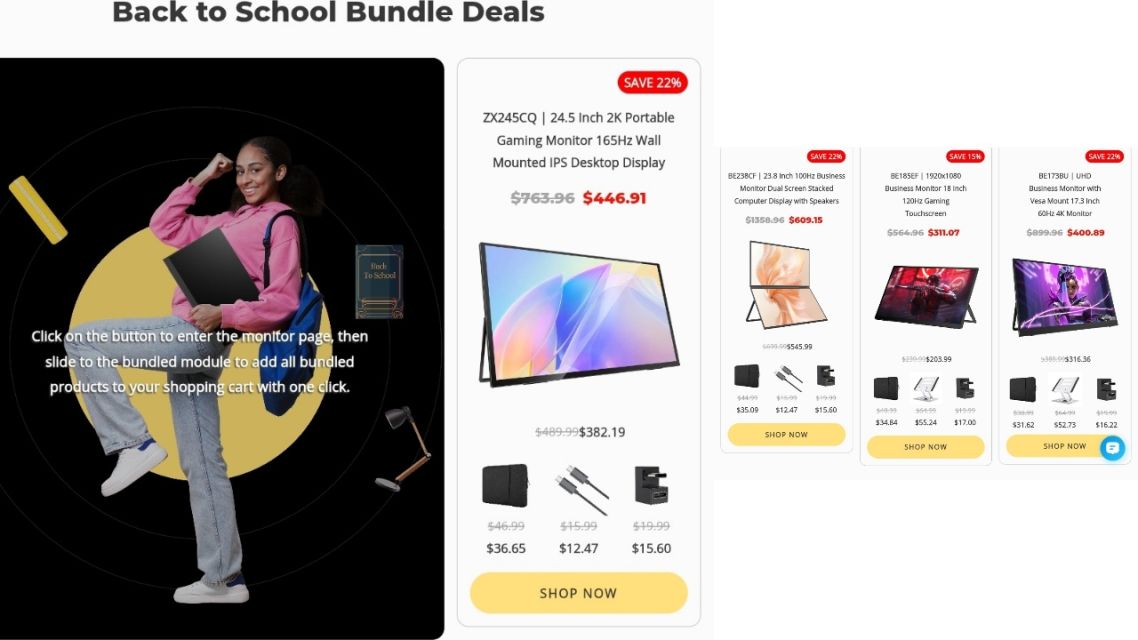
Top portable monitor picks for study and remote work-uperfect.com via uperfect.com
To help you pick the most suitable portable monitor for study, daily office, and mobile work scenarios, we’ve curated a diverse lineup of top-tier models from mainstream reputable brands.
1. UPERFECT 15.6-inch 4K USB-C Portable Monitor
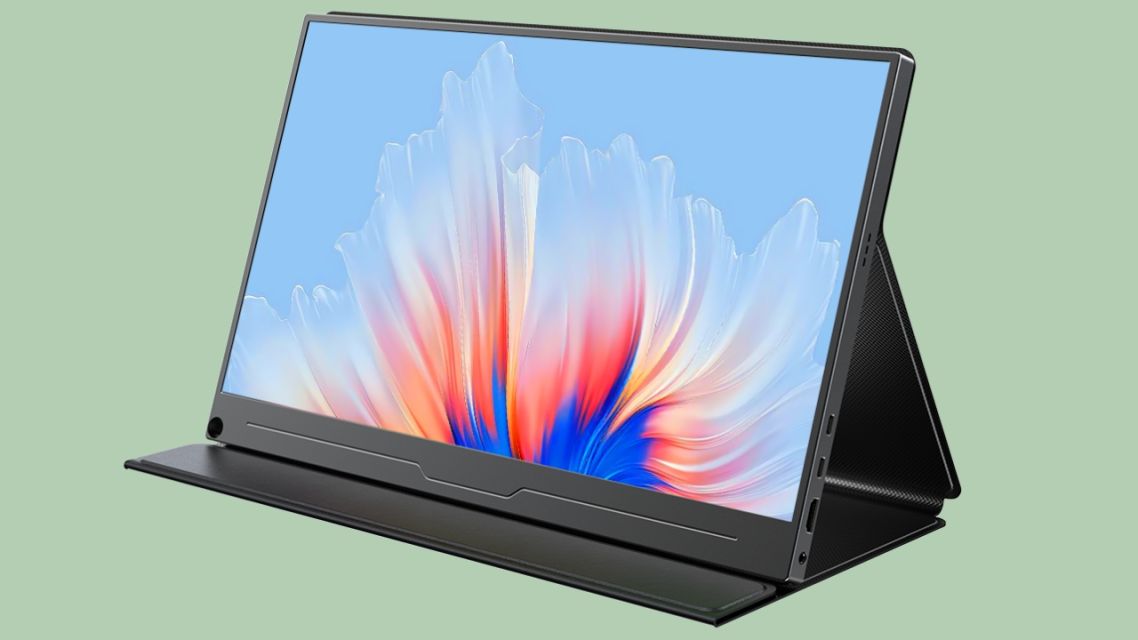
UPERFECT 15.6-inch 4K USB-C Portable Monitor-uperfect.com via uperfect.com
As a star model of professional mobile displays, this UPERFECT portable monitor is deeply loved by users for its balanced performance, portability, and value, making it one of the most versatile devices for students and remote workers. Equipped with a high-quality IPS panel, it supports 4K ultra-high resolution and a 107.8% DCI-P3 wide color gamut, with delicate and realistic color restoration that meets the color accuracy needs of design learning, video editing, and document office work.
The monitor adopts an ultra-thin, lightweight body design that slips easily into a backpack. It supports full-featured USB-C one-cable plug-and-play and is compatible with laptops, tablets, and Android mobile phones without extra adapters. Built-in low blue light and flicker-free eye protection technology effectively relieve eye fatigue after long hours of study and work.
2. ASUS ZenScreen OLED MQ16AHE Portable Monitor
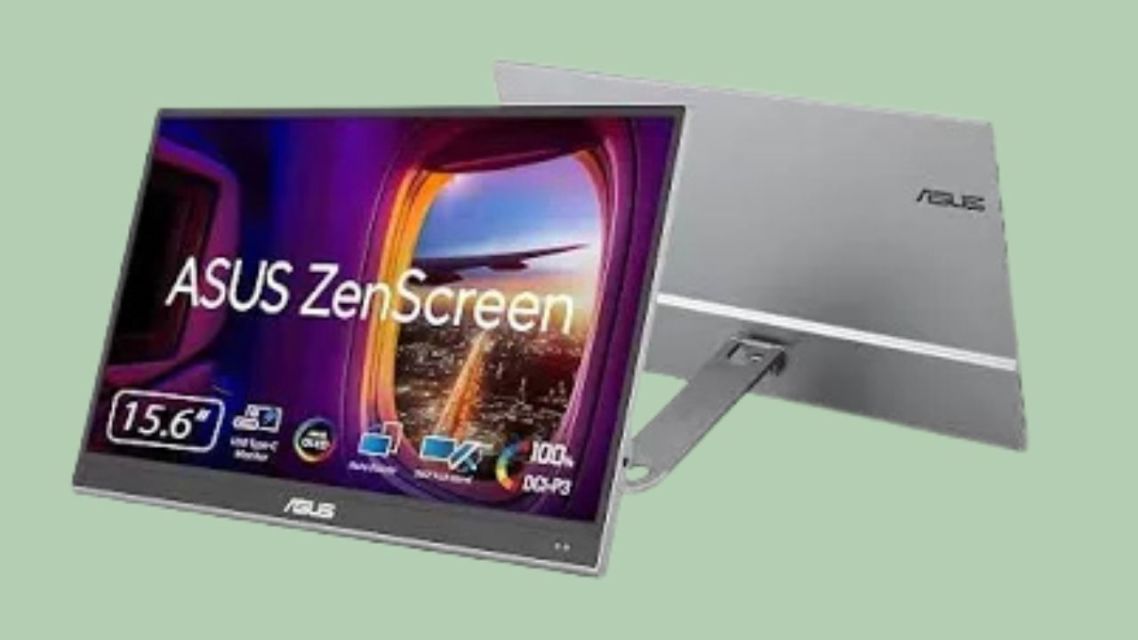
ASUS ZenScreen OLED MQ16AHE Portable Monitor-desertcart.com via www.desertcart.com.sa
ASUS ZenScreen series is a benchmark product in the high-end portable monitor market, focusing on high-quality display and humanized design, very suitable for creative students and professional remote office workers. This model is equipped with a cinema-level OLED panel, supporting 100% DCI-P3 ultra-wide color gamut and Delta E<2 professional color accuracy, with pure black performance far exceeding ordinary LCD screens. It comes with a 360° adjustable stepless kickstand, HDR technology, and an ultra-fast 1ms response speed.
3. Lenovo ThinkVision M15 Portable Monitor
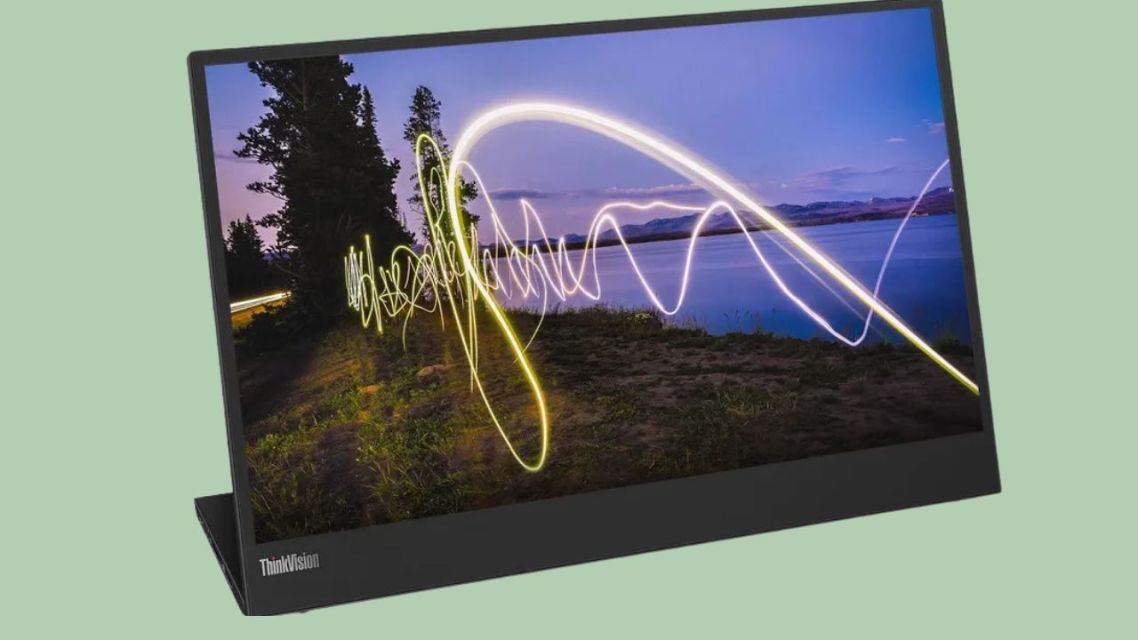
Lenovo ThinkVision M15 Portable Monitor-shopee via s.shopee.co.id
Lenovo’s ThinkVision series is a gold-standard choice for business and student portable displays, renowned for its durable build, stable performance, and office-oriented optimization. The ThinkVision M15 is a classic 15.6-inch FHD portable monitor tailored for mobile productivity users. Boasting an ultra-slim, lightweight chassis, it delivers crisp 1080P FHD resolution via an IPS wide viewing angle panel, making it a steady and reliable option for online lectures and document editing.
4. LG 16MQ70 FHD Portable Monitor
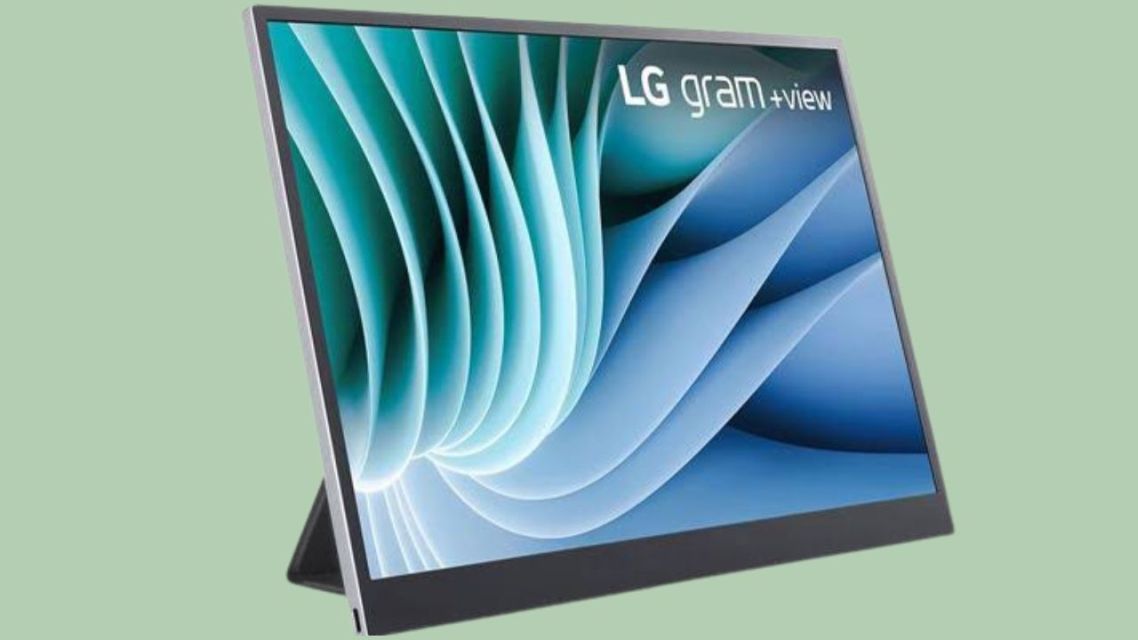
LG 16MQ70 FHD Portable Monitor-microcenter.com via www.microcenter.com
LG is globally recognized for its premium display panel technology, and the 16MQ70 is one of its most popular portable monitor models. This 16-inch FHD display features an advanced IPS panel with a 99% sRGB wide color gamut, delivering vivid, accurate colors for academic design and content creation. Ultra-light and ultra-thin, it supports full-function USB-C connectivity alongside LG’s exclusive flicker-free technology.
5. TCL FFALCON (Thunderbird) F6 Mini LED Portable Monitor
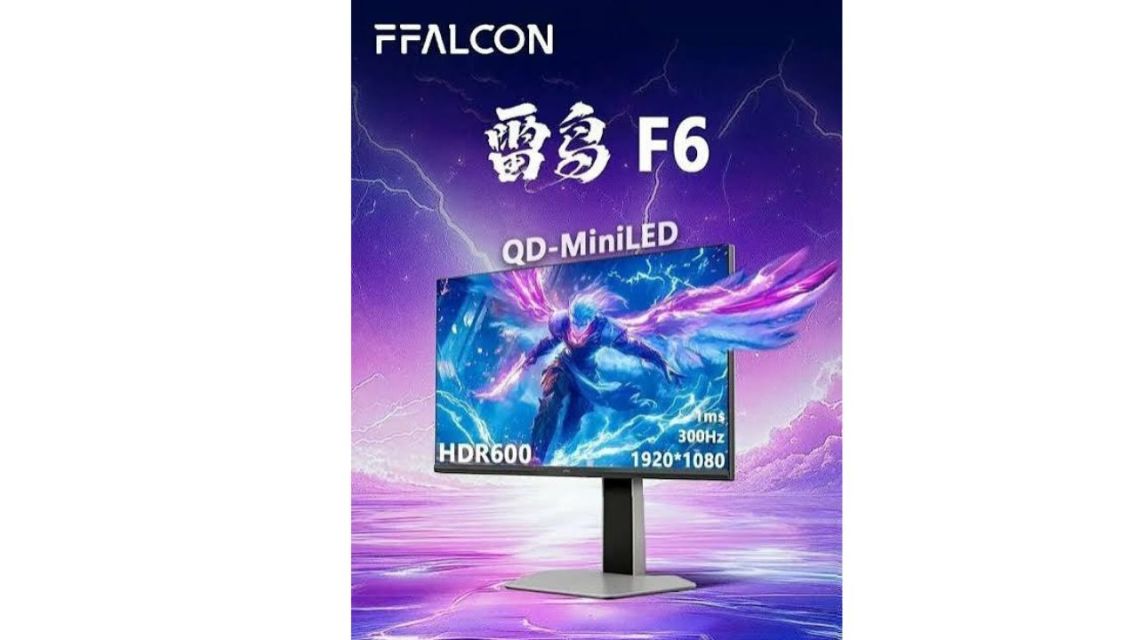
TCL FFALCON (Thunderbird) F6 Mini LED Portable Monitor via market.yandex.ru
For budget-conscious students and multi-scenario users who pursue both office efficiency and entertainment experiences, the FFALCON F6 is a standout cost-effective option. Adopting advanced Mini LED backlight technology with 180 independent dimming zones and a QD quantum dot wide color gamut, it delivers higher brightness and more layered picture quality than traditional portable LCD monitors.
Tips for Maximizing Your Portable Monitor Experience
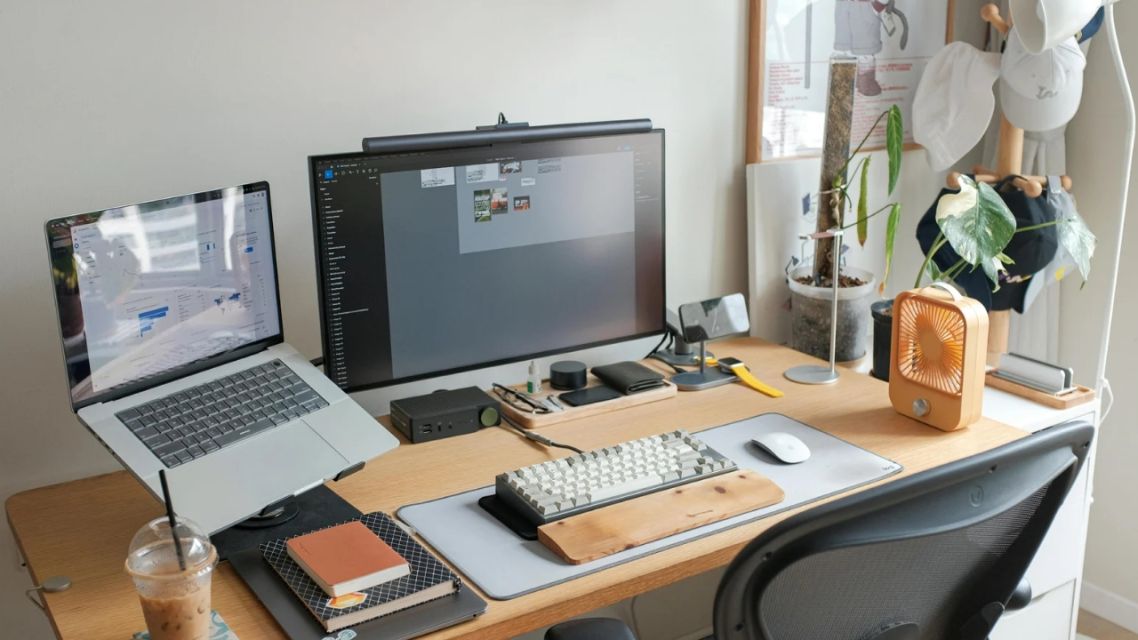
A better setup creates a better workflow-canva via canva.com
-
For Students: Use extended screen mode for daily study, split screen areas for viewing materials and creating content, and turn on low blue light mode during evening study. Always use a protective cover when traveling.
-
For Remote Workers: Match screen resolutions and color modes to your work type. Use standard color temperature for document editing and high-color-gamut mode for design and video creation.
Final Thoughts
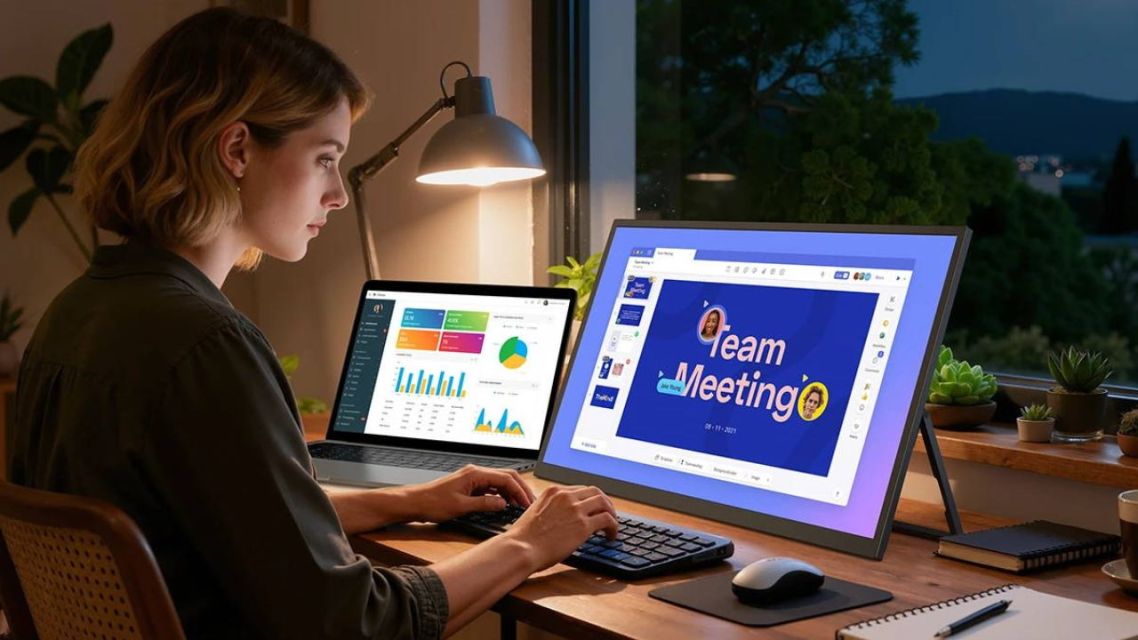
Remote professional using one of the best portable monitors in a flexible workspace-uperfect.com via uperfect.com
In the era of flexible learning and hybrid work, a portable monitor is no longer an optional tech gadget but a practical productivity tool that improves the quality of study and work. Whether you are a college student pursuing efficient learning or a remote worker focusing on a flexible office experience, a high-quality display can perfectly meet your daily multi-scenario usage needs and serve as a worthwhile long-term investment.