

For local newsrooms, the risk is not running out of ideas for a reel. The real risk is publishing a video that invents a scene that never happened, or spending part of the budget on a model that is still only a promise on the homepage.
When a news story needs to animate a real photo of a public square, construction site, or press conference, readers are unlikely to forgive an invented detail. The cost of getting it wrong is not just aesthetic. It can mean a correction, a phone call from someone featured in the image, or an afternoon spent taking down a post.
Seedance 3.0 often appears in searches from people looking for the next AI video generator, but the practical question remains simple: what can it actually generate today, and what is still just marketing around future access?
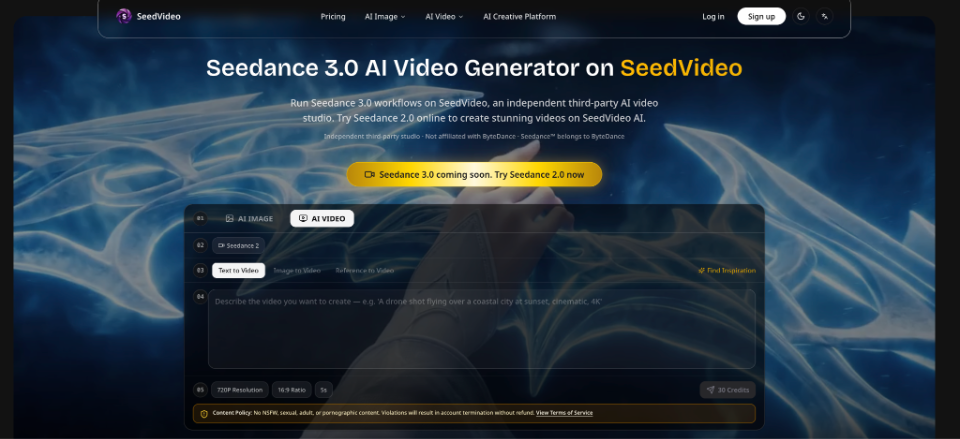
SeedVideo presents itself as an independent third-party studio and is not affiliated with ByteDance. Its homepage makes it clear that Seedance 3.0 is coming, while Seedance 2.0 is available to try now.
For a local newsroom working on daily editions, that distinction is not a minor detail buried in the footer. It is the difference between planning a workable production workflow and paying for a badge.
Why a Model Name Won’t Save a News Story
Accuracy Comes First via canva.com
A newsroom does not fail because its motion graphics are not cinematic enough. It fails when a video shows a crowd that was never in the original photograph, or when a person’s face is altered in a way that creates a legal or editorial problem.
The real cost is a correction, a call from the person pictured, or an afternoon wasted removing a post.
That is why the old workflow of a generic prompt followed by a few trailer-style adjectives can be risky in journalism. The model fills gaps with invention. In a newsroom, those gaps should either remain empty or be filled only with verifiable material.
If the original photo is the only evidence available, the resulting video needs to remain faithful to that evidence.
The Old Social Workflow and the Cost of an Invented Scene

Check Before Publishing via canva.com
The typical workflow looks something like this: someone opens an AI generator, writes three adjectives, exports the result, and publishes it. If the result looks bad, they try again. If it looks good but contains something false, they may still publish it because the afternoon deadline is approaching. Then a reader recognizes the location and points out that a particular detail never existed.
The failure becomes obvious in the newsroom. The video may look convincing in the internal player, but put it next to the original photograph and an added element suddenly becomes obvious. That file should never leave the newsroom. It needs to be rejected before it reaches the social channel. An afternoon spent rewriting the caption cannot fix an invented scene.
How SeedVideo Separates the Future Guide From the Current Engine
Future vs Current via canva.com
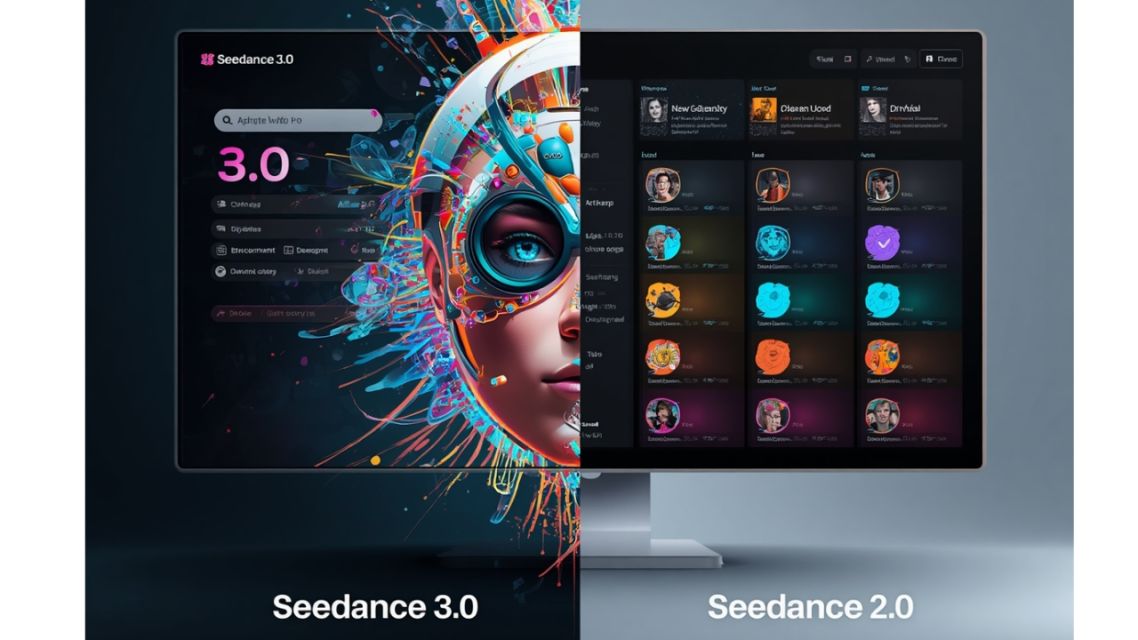
The useful part is not the slogan. It is the distinction between guides covering Seedance 3.0 and the builder that currently runs Seedance 2.0.
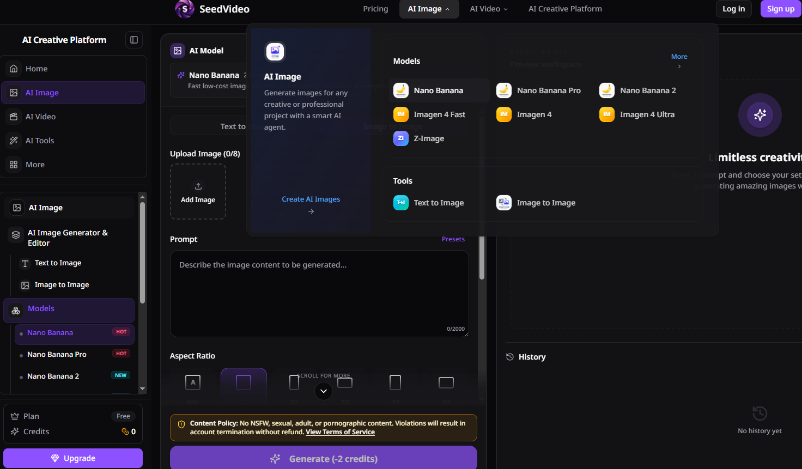
On the site, users can find access checklists, pricing information, and provider verification notes. At the same time, the operational panel offers AI Video with Seedance 2, along with Text to Video, Image to Video, and Reference to Video workflows. Users can then work with prompts and credit options based on resolution, aspect ratio, and duration.
For a newsroom, the practical checklist is straightforward:
- What can I generate today? The active builder uses Seedance 2.0, rather than simply displaying a future model badge without an actual export workflow.
- How do I animate a real photograph? Use Image to Video or Reference to Video rather than a prompt that rewrites the original scene.
- How do I avoid wasting the budget? Check the credit requirement before generating and avoid producing long clips before testing a short version.
- Who is the provider? Understand that the platform identifies itself as an independent studio rather than confusing an official model page with a third-party service.
Use this checklist as an internal briefing, not as advertising.
If the first question is still unclear, do not upload a news photograph yet. First, establish which engine is actually live and available.
A Newsroom Workflow for Real Photos Before Creating a Reel
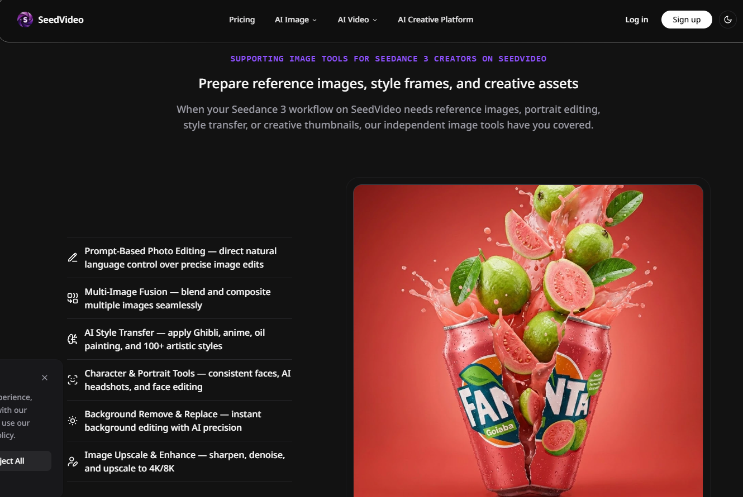
The goal is simple: create a short reel that gives a verified photograph a small amount of movement without inventing new subjects.
The starting conditions are equally important. The newsroom needs the right to use the photograph, the subject should be recognizable only within the context of the story, and the article should not require speculative reconstruction.
The workflow can be kept simple:
- Choose a single archive photograph that has already been approved by the desk.
- Open AI Video, select Seedance 2, and use Image to Video or Reference to Video.
- Lock the aspect ratio and keep the duration short before rewriting the prompt.
- Check the credit requirement, generate a short test, and compare the export with the original photograph.
Give the Photograph One Clear Identity
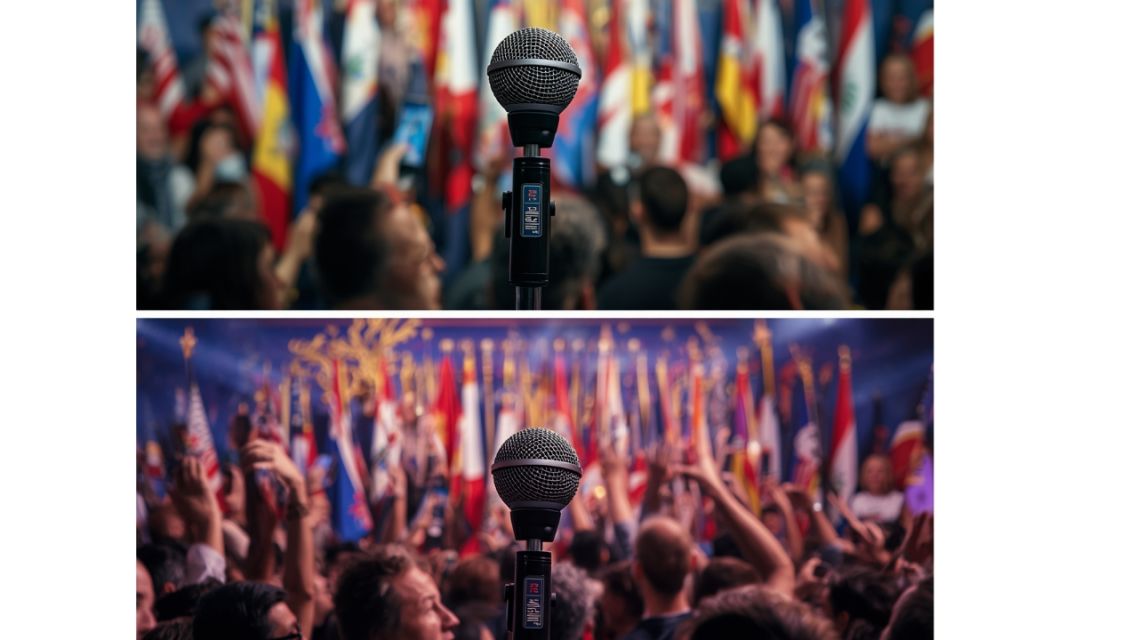
Preserve The Scene
In the prompt, the photograph should remain responsible for the faces, signs, and geometry of the scene. The motion can introduce a subtle camera movement or a light breeze. It should not add people or change signs. If a search for a Seedance 3.0 AI Video Generator leads you to a SeedVideo landing page, that is fine as a starting point. For the actual newsroom workflow, however, the operational run remains on the available Seedance 2.0 path.
Consider a simple newsroom example: a photograph of a press conference, with a real microphone and a real background. The test fails if a second sponsor logo suddenly appears in the background even though it was never present in the room. That seemingly minor mistake is enough to reject the file, even if the camera movement itself looks impressive to the social desk.
Use the Credit Counter as a Budget Warning
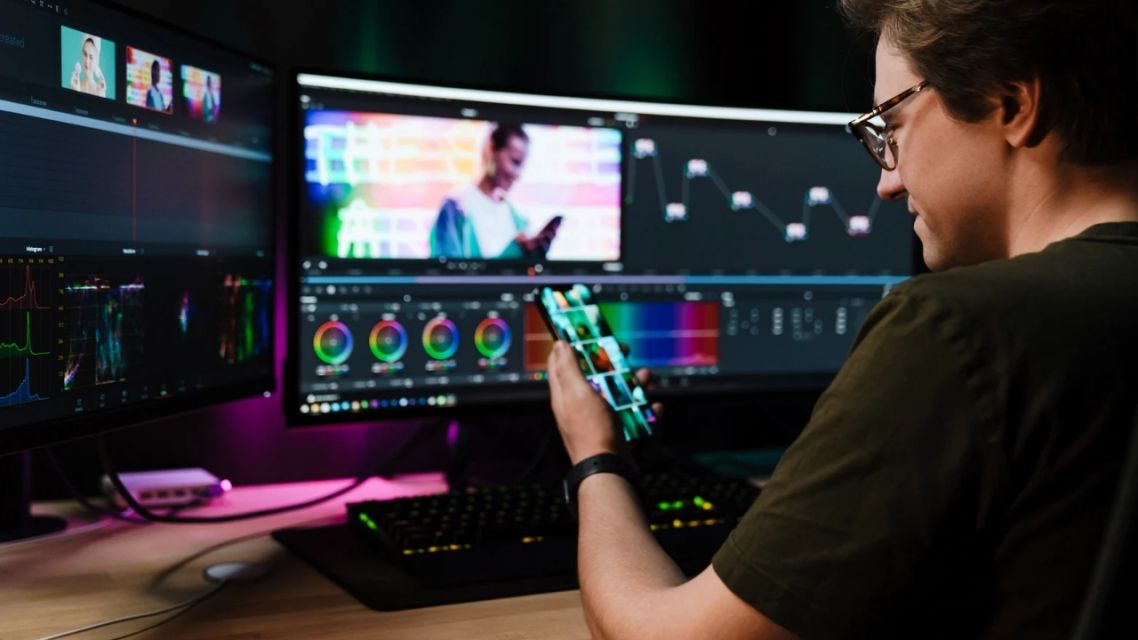
Watch The Credits via canva.com
On the homepage, an example setup of 720p, 16:9, and five seconds is shown at 30 credits. The Seedance 2.0 model pricing indicates 2.5 credits per second, while Seedance 2.0 Fast is listed at 2 credits per second.
For a newsroom, the practical protocol is to start with a short Fast test and keep audio off while checking whether the scene remains faithful. Only after the result passes should you spend more on a higher-cost render.
The Basic plan is listed at $9.99 per month with 100 credits, making it more suitable for testing. The Pro plan is listed at $29.99 with 500 credits and may make more sense for a newsroom producing several reels per week.
Subscription credits accumulate, while one-time credit packs do not expire. That accounting only helps, however, if the desk has already decided not to spend credits on long clips featuring scenes that have not been properly verified.
Always Compare the Export With the Original Photograph
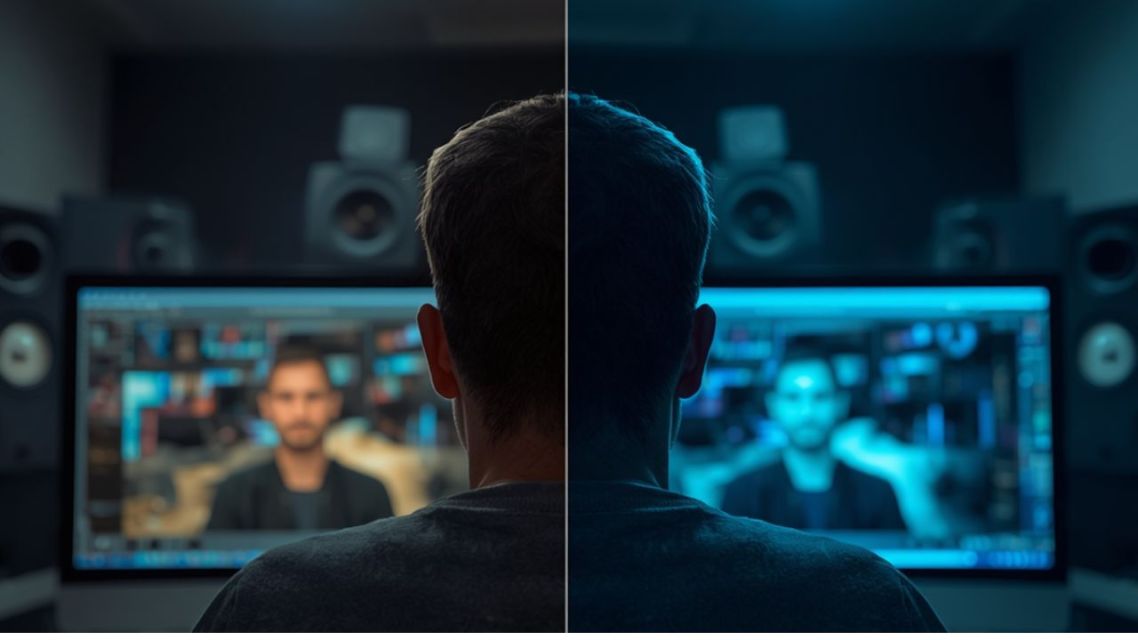
Compare Every Frame via canva.com
Put the two frames side by side. The result should only pass if a colleague who has not seen the prompt can still recognize the same scene.
There are several immediate reasons to reject a clip:
- a distorted face;
- an added crowd;
- an unreadable or invented sign;
- a shifted urban detail.
A video can look beautiful and still be impossible to defend to an editor.
If it fails that test, it does not get published.
Check the Content Policy Before Generating

Review Before Uploading via canva.com
SeedVideo prohibits NSFW, sexual, adult, and sensitive adult content, with the possibility of account closure without a refund.
For journalism, the risk is different from lifestyle or brand content. Newsrooms should avoid unnecessary uploads of borderline or sensitive material.
The policy is not simply a legal paragraph to ignore. It is an operational constraint that affects what you upload to the platform.
An Operational Verdict for Daily Newsrooms

Test Before Publishing via canva.com
If a story has a strong photograph and only needs subtle motion for Instagram or a homepage video, a reference-first workflow using Seedance 2.0 can make sense. If a story requires a reconstruction of an event that was never recorded, do not use an AI generator to fabricate evidence.
Write about the event. Explain the limitations. If necessary, use clearly identified editorial graphics. The newsroom test protocol can remain simple:
Use the same approved archive photograph, run a short Fast test, keep the audio off, and compare the result with the original.
A first export might look fine until the comparison reveals an invented second logo in the background of a press conference. That single mistake is enough to reject the clip before it reaches the shared publishing folder.
An afternoon spent rewriting the caption cannot repair false evidence. The clip would never pass editorial review, and the credit ledger has already taken the hit. In internal testing, the standard should not be “Does this look like a trailer?”
The real question is: “Can I defend every frame to the editor and the person shown in it?”
When the answer is no, the correct move is to reject the clip.
What Should Stay Outside the Newsroom Workflow
Do not force this method onto abstract opinion pieces that have no real photograph to work from. Do not use it to animate minors in sensitive contexts.
Do not use it as a shortcut for simulating interviews that were never recorded. SeedVideo can provide guides and a video builder. It cannot replace the newsroom’s judgment about what is fit for publication.
Check the Live Engine Before the Model Name
Check The Live Engine via canva.com
For a local newsroom, the correct sequence is straightforward: Check what can actually be generated today. Connect it to a real photograph. Run a short test. Compare the result with the original. Only then invest in longer duration or higher quality.
SeedVideo makes a distinction between its independent third-party position, guides covering Seedance 3.0, and the executable Seedance 2.0 workflow.
That distinction is more useful as a budgeting and production discipline than as a collection of model badges. Start with one approved photograph, one short run, audio off, and one hard rule: Do not publish if the export invents the scene. The model name can wait. A correction cannot.