
Most people’s first experience with generative image tools goes like this: type a prompt, wait a moment, and see what appears. It’s a great way to understand what the technology can do. But real creative work rarely ends with the first result.
Sound familiar?
- 🛍️A product photo needs a different background
- 🎨A portrait could use a new visual style
- 🔍A generated image looks great, except for one distracting detail
- 📐The composition works, but the size is wrong for your banner, post, or page
This is exactly where a broader creative platform beats a one-off image generator.
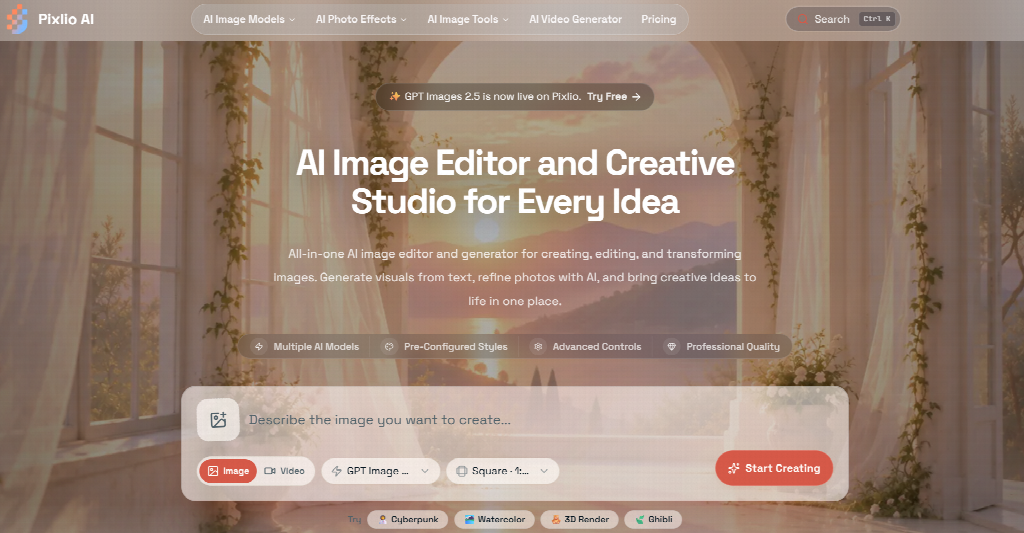
Pixlio takes this approach with its AI image editor, combining image generation, prompt-based editing, and more focused tools in one place. You can start with an existing photo, create something new, or go back to an earlier result and keep working on it.
Working with an image you already have
Often, there’s no reason to generate an image from scratch. You already have the portrait, product shot, illustration, or design you want to keep. You just need to change part of it without starting over.
Pixlio’s dedicated AI image editor is built for exactly that. Here’s how it works:
- 1Upload one or more reference images
- 2Describe the change you want
- 3Choose an available model
- 4Generate a revised version
Text-to-image lives in the same workspace too, so you can create a new source image without jumping to a separate page.
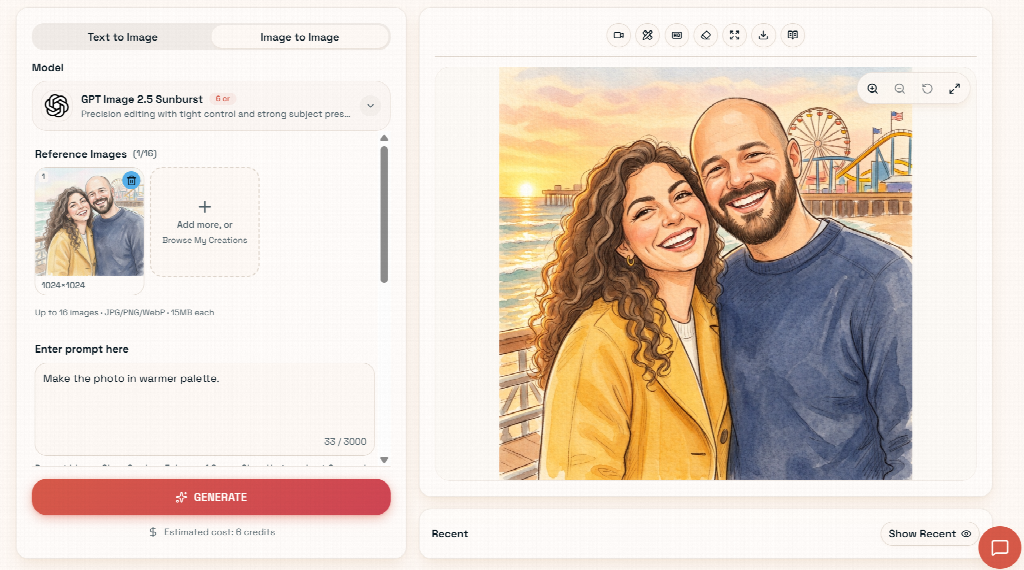
The editor is also designed for iteration. If a result is close but not quite right, use it as the reference for your next edit. For example:
- Keep the composition, change the lighting
- Adjust an outfit, keep the subject
- Refine an earlier transformation with a more specific instruction
Signed-in users can also return to recent creations instead of rebuilding an edit from scratch.
- Aspect ratio
- Resolution
- Quality
- Output format
- Seed
💳 The estimated credit cost is shown before you generate.
The useful part often comes after generation
One annoying thing about online image tools is the endless download-upload loop: save a result from one tool, open another site, upload it again, repeat.
- 😩 The usual loopDownload, open another tool, upload, process, download again, repeat.
- ⚡ With Pixlio’s quick actionsThe image is carried straight into the next tool, where you can review the settings before processing.
Next to each generated image, you’ll find quick actions that let you send it straight into another step:
- ✏️ Edit again
- 🔎 Upscale
- ✂️ Remove background
- ↔️ Extend canvas
- 🎬 Create video
That makes common workflows much easier to manage:
Small conveniences like these matter more once you’ve used creative AI for a while. The time-consuming part usually isn’t creating one image, but turning that image into several usable assets.
When a focused tool makes more sense
A general editor is great when your request is open-ended. But sometimes you already know exactly what you want and would rather skip the prompt engineering.
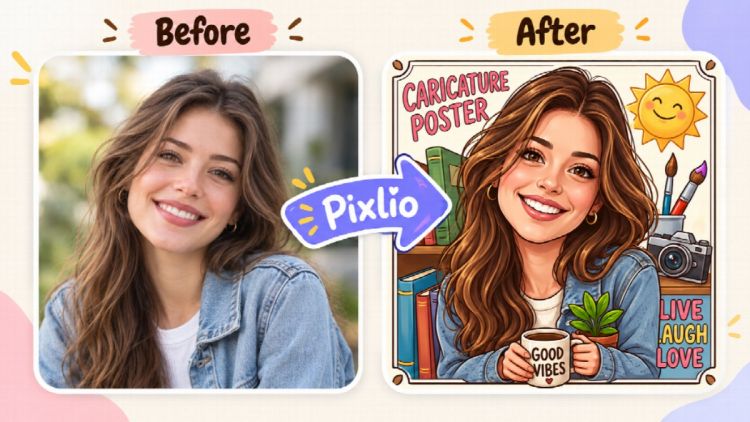
Pixlio’s caricature maker is a good example. Instead of describing an entire illustration style from scratch, you upload a portrait and pick a direction suited to caricature art. The goal is to keep the person’s recognizable features while deliberately exaggerating them in a more illustrated style.
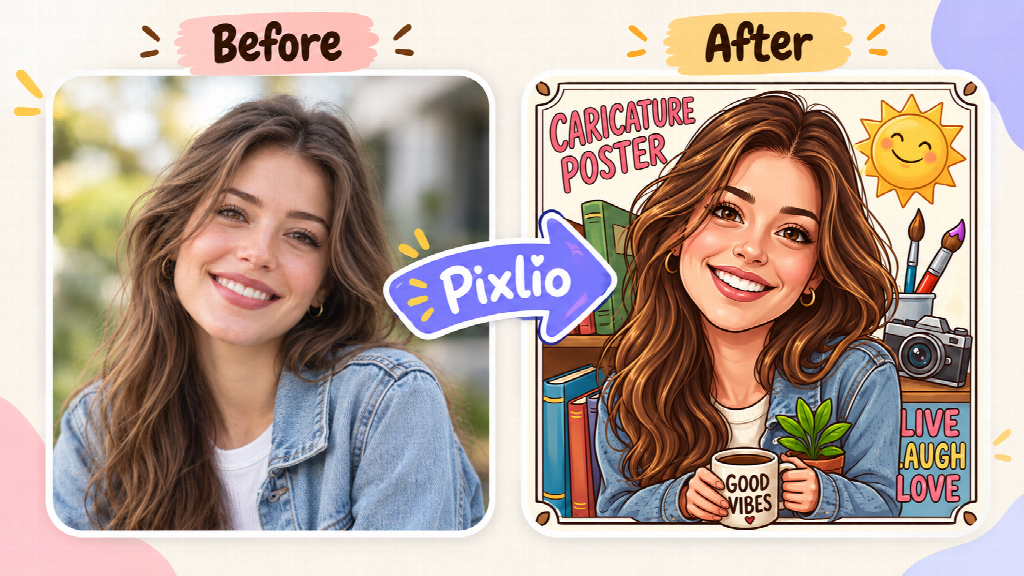
- Profile pictures
- Gifts
- Social posts
- Playful portraits
Pixlio uses the same task-specific approach elsewhere. These tools start with a clear use case instead of an empty prompt box:
- 🎭 Caricature MakerPortrait to exaggerated, illustrated caricature
- 🖼️ Photo RestorationFor giving old or damaged photos new life
- 📚 AI Book Cover GeneratorFor when your destination is already a book cover
They’re useful when you already know where the image is headed, while the main editor stays available for work that needs more flexibility.
What makes an AI image tool practical?
Image quality will always matter, but it’s only part of the experience. A useful creative tool should also make it easy to:
- ✓Revise a result
- ✓Reuse previous work
- ✓Move an image into the next stage without unnecessary steps
That’s the more practical side of Pixlio. An image doesn’t have to be treated as a finished output the moment it appears. It can become the starting point for another edit, a different format, a specialized transformation, or even a video.