

Let’s be real, the AI image generator space moves blindingly fast. What felt like a fun novelty back in 2023 has evolved into the absolute backbone of our creative workflows today. Picking the right platform matters more than ever right now. Why? Because subscription costs, model access, and commercial output rights vary wildly across the board, and nobody wants to burn through their monthly budget on bad generations.
This guide breaks down 10 AI image generator platforms that creators are actually using in 2026. We’re comparing features, pricing, strengths, weaknesses, and exactly who they are built for. No filler, no sponsored ranking gimmicks—just the straight facts on what each platform does best.
How We Compare These AI Platforms

Testing AI image generation tools-canva via canva.com
To keep things fair across free tools, enterprise-level suites, and mid-tier subscriptions, every platform below was evaluated against the same criteria:
- Output Quality: Resolution ceilings, texture quality, and how well it retains fine details.
- Interface & Speed: How quickly and smoothly you can go from typing a prompt to downloading a finished asset.
- Editing & Toolkits: Specialized features that go beyond basic text-to-image.
- Pricing Value: Credit systems, tier structures, and the actual cost per image.
- Commercial Rights: What you are legally allowed to sell, publish, or use for clients.
- Team Fit: Whether the tool scales well from solo creators up to full studio teams.
TL;DR: 10 AI Image Generators at a Glance
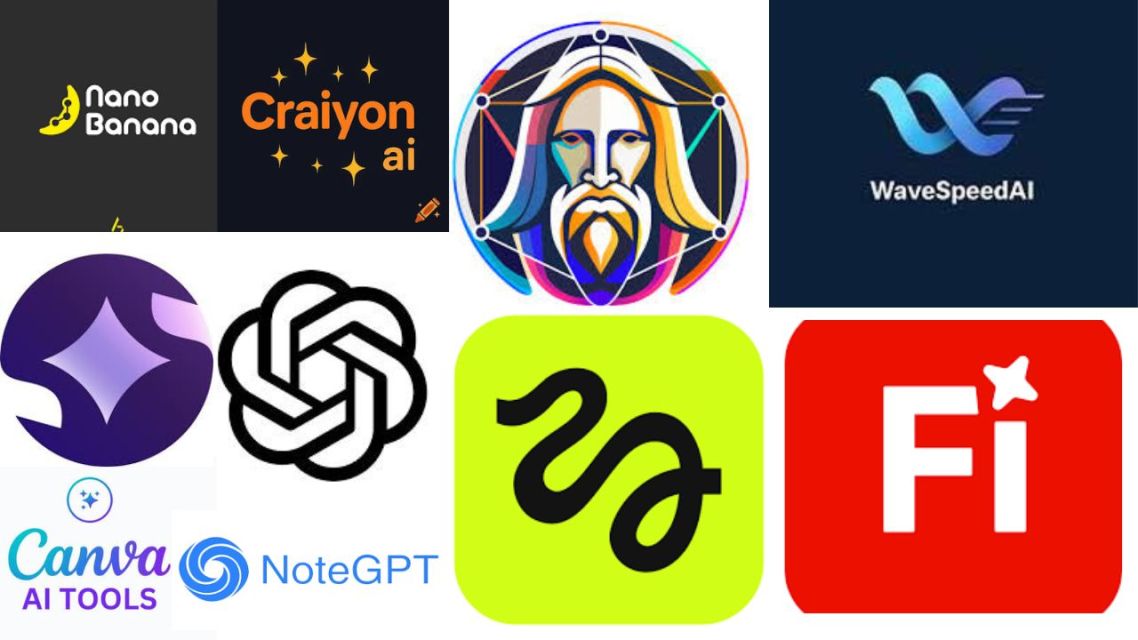
Top AI image generators at a glance-canva via canva.com
| Platform | Best For | Starting Paid Price | Standout Strength |
|---|---|---|---|
| Nano Banana Bingo | Character-consistent creators | $19.9/mo | 3-tier Nano Banana models with native 4K |
| Chat Image | GPT Image 2 access (no ChatGPT needed) | $14.9/mo | Specialized AI Image Tools in one dashboard |
| Leonardo AI | Concept artists & game designers | $12/mo | Canvas editor and Elements style modifiers |
| Canva | Social media managers & non-designers | $144/yr | Magic Media integrated directly into a design suite |
| Higgsfield | Filmmakers & storyboarders | $9.9/mo | Precision camera and lighting controls |
| Craiyon AI | Casual users & quick prompt testing | ~$5/mo | Free unlimited basic generations |
| NoteGPT | Students & researchers | $9/mo | Image generation built into a notes workflow |
| WaveSpeedAI | Developers & API builders | Pay-per-use | Transparent, pay-as-you-go per-image pricing |
| Imagine Art | Multi-format creators | $9/mo | Images, video, and music in a single plan |
| Adobe Firefly | Agencies & brand teams | $9.99/mo | 100% commercially safe training data |
ADVERTISEMENTS
The 10 Best AI Image Generator Platforms Reviewed for 2026
1. Nano Banana Bingo
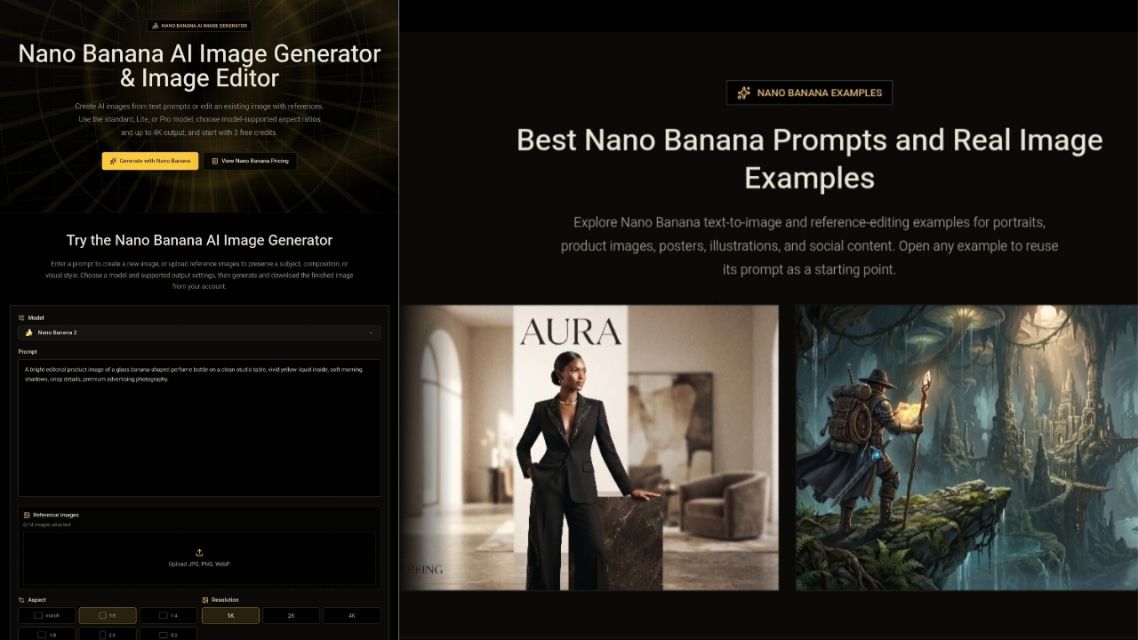
Nano Banana AI image generator-nanobanana.bingo via nanobanana.bingo
What It Is:
Nano Banana Bingo is a slick, browser-based platform built specifically around the Nano Banana model family (supporting Nano Banana 2, Lite, and Pro in one workspace). If you are looking to generate highly consistent characters or need sharp text rendering and print-ready outputs without installing local software, this is your top pick.
Key Features:
- Runs entirely in your browser—no heavy plugins or expensive GPUs required.
- Lightning-fast; most generations finish in seconds.
- Insane character consistency from a single reference photo across different scenes, outfits, and lighting.
- Conversational editing (e.g., just type “make her jacket blue”).
- Multi-image fusion allows merging up to 14 references on the Pro model.
- Native high resolutions up to 4K.
- Clean, correctly spelled text rendering in multiple languages.
Pricing (Annual Billing):
- Free: 3 trial credits
- Starter: $19.9/mo (800 credits)
- Pro: $39.9/mo (1,600 credits)
- Max: $69.9/mo (4,000 credits)
- Ultra: $144.9/mo (10,000 credits)
The Verdict:
- Pros: Three-tier options to match your budget, native 4K output, and arguably the best character/style consistency on the market.
- Cons: Heavy users need to monitor their credit usage closely; it’s highly focused on one model family rather than offering a massive catalog.
- Best For: AI influencers, storyboard artists, and marketers who need repeatable characters and high-res finals.
2. Chat Image
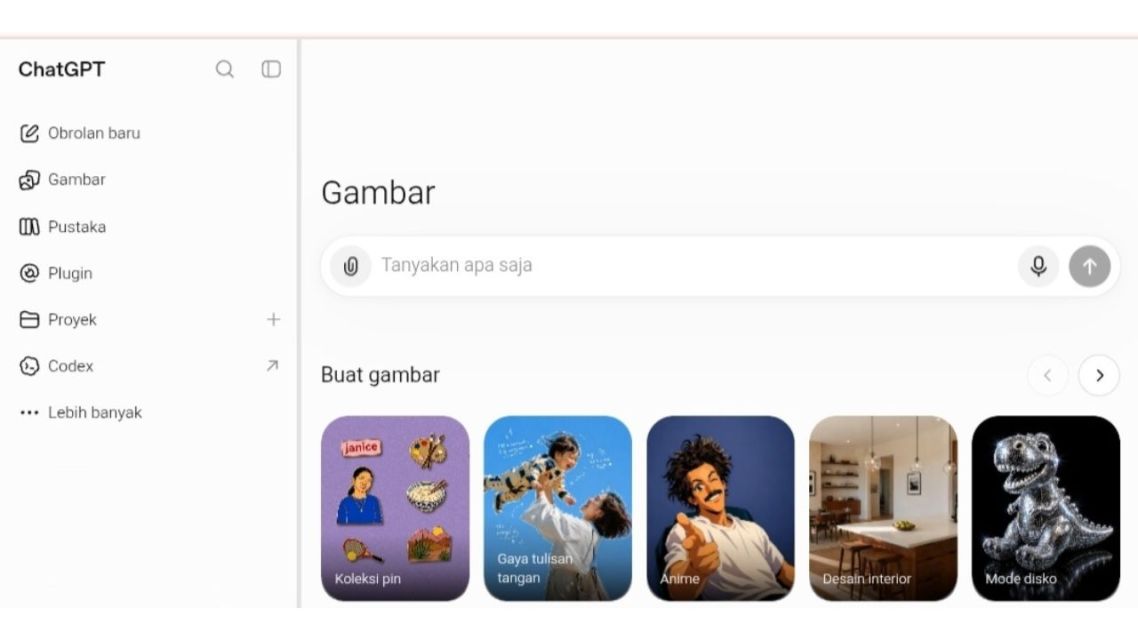
Generate images with ChatGPT in just a few prompts-chatgpt.com/id via chatgpt.com
What It Is:
Chat Image acts as a powerhouse hub, giving you direct access to GPT Image 2 and Nano Banana 2 without forcing you to maintain a separate ChatGPT account. It pairs premium model access with a deep, specialized toolkit for image editing right inside your browser.
Key Features:
- No ChatGPT signup required to access GPT Image 2.
- Unified dashboard to easily control aspect ratios, lighting, color, and composition.
- Specialized tools like AI Face Swap, Background Changer, Outfit Generator, Skin Smoother, and Outpainting.
- Utility kits to clear watermarks, clean up messy text, or remove unwanted objects.
Pricing (Annual Billing):
- Free: 3 trial credits
- Basic: $14.9/mo (300 credits)
- Professional: $29.9/mo (650 credits)
The Verdict:
- Pros: You get two premium model families in one place, plus an incredibly broad set of specialized editing tools.
- Cons: The free tier is pretty limited if you want to do extensive testing before buying.
- Best For: Solo creators and designers who want top-tier image quality and targeted editing tools without juggling multiple subscriptions.
3. Leonardo AI
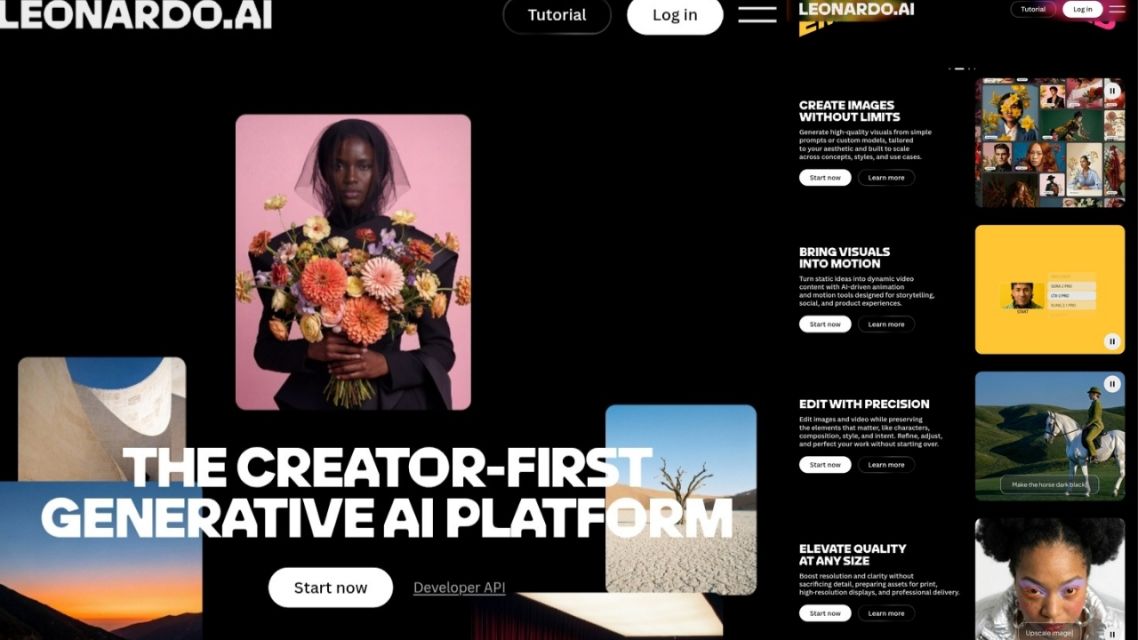
Leonardo AI for creating and refining high-quality AI artwork-leonardo.ai via leonardo.ai
What It Is:
Leonardo AI is built for the ambitious creative. Offering proprietary models alongside a robust canvas editor for detailed refinement, this platform leans heavily into concept art, character design, and highly stylized illustrations.
Key Features:
- Canvas editor allows for pixel-level modifications.
- “Elements” style modifiers let you apply specific blueprints (like architecture or high fashion) to your generations.
- Generative expansion and a smart eraser tool.
- Image-to-video capabilities.
- Real-time generation previews while you type your prompt.
Pricing (Monthly):
- Free: 150 daily tokens ($0)
- Essential: $12/mo (8,500 tokens)
- Premium: $30/mo (25,000 tokens)
- Ultimate: $60/mo (60,000 tokens)
(Note: Premium and Ultimate include unlimited “relaxed” generations).
The Verdict:
- Pros: Deep customization and an incredibly strong concept art aesthetic. Real-time generation is a game-changer.
- Cons: It has a steeper learning curve, and images generated on the free tier remain public.
- Best For: Game designers, concept artists, and creators who want total stylistic control over their generation blueprints.
4. Canva
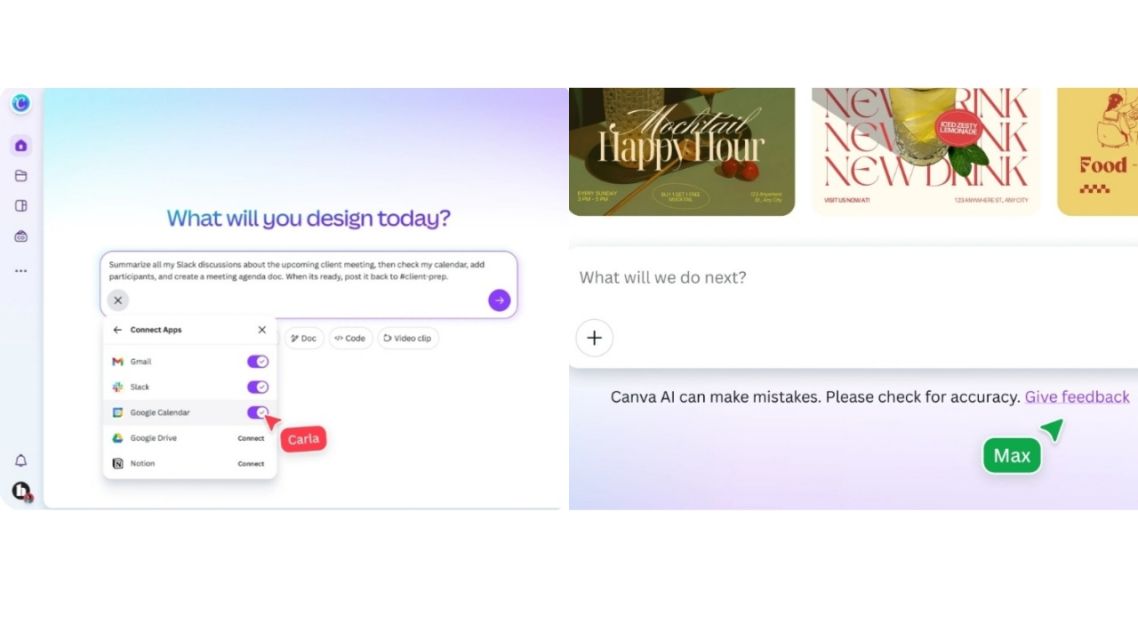
Create AI-powered designs directly inside Canva-canva.com/ai via canva.com
What It Is:
Canva’s AI image generator (Magic Media) sits natively inside its massively popular design editor. It is built strictly for creators who need to generate an image and drop it straight into a social post, pitch deck, or print layout without switching tabs.
Key Features:
- Magic Media handles text-to-image and short video.
- Magic Edit lets you replace elements using text prompts.
- Magic Grab treats parts of your image like movable, editable stickers.
- Magic Expand extends image borders natively.
- Seamless drag-and-drop into any Canva template.
Pricing:
- Free: 50 lifetime Magic Media uses.
- Pro: $144/year (500 uses per month).
- Teams: $250/year for 3 users (500 uses per month).
The Verdict:
- Pros: Zero workflow friction. You generate and design in the exact same window. Very beginner-friendly.
- Cons: The raw image quality and style range trail behind dedicated AI specialist platforms.
- Best For: Social media managers, non-designers, and small business owners who need finished graphics fast.
5. Higgsfield
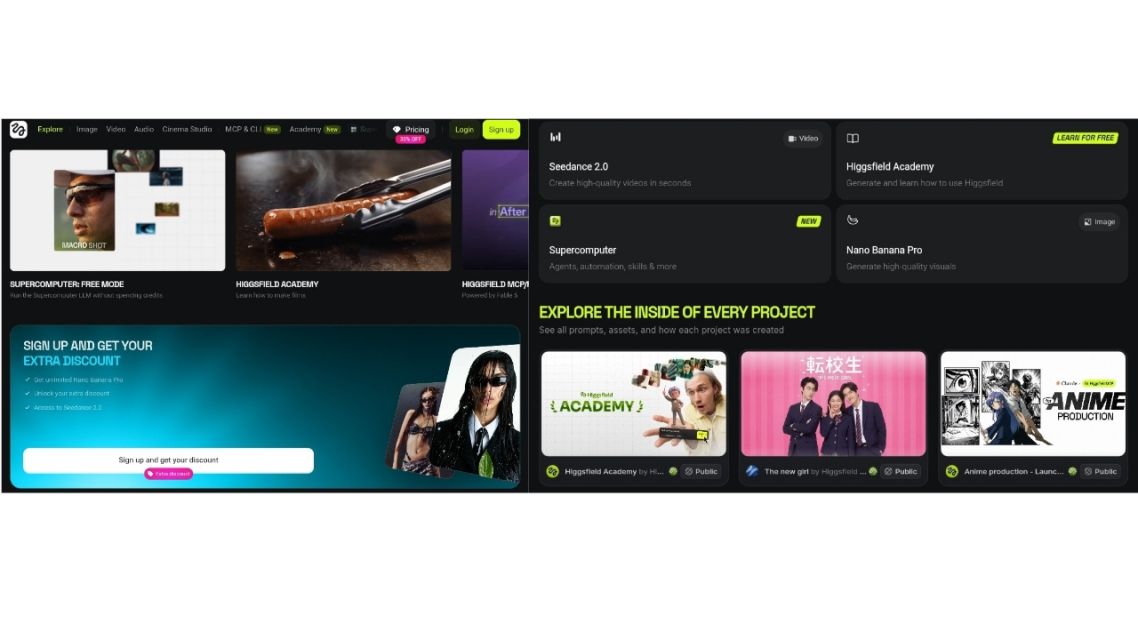
Explore cinematic AI image and video creation -higgsfield.ai via higgsfield.ai
What It Is:
Higgsfield treats camera behavior as a first-class citizen. It’s an AI platform engineered around cinematic control, targeting professionals who produce film pre-production art, commercial advertising visuals, and high-end social content.
Key Features:
- Precision camera controls (angles, lens choices, framing).
- Dynamic, highly tunable lighting presets.
- Non-destructive editing—tweak small details without re-rolling the entire image.
- Cinema Studio tool for seamless image-to-video handoffs.
Pricing (Annual Billing):
- Basic: $0 (30 images/mo)
- Pro: $9.9/mo (500 images/mo)
- Max: $24.9/mo (1,500 images/mo)
The Verdict:
- Pros: Delivers incredible cinematic quality out of the box with no watermarks on paid plans.
- Cons: Definitely overkill for casual creators; the camera parameters come with a learning curve.
- Best For: Filmmakers, creative directors, and storyboard artists producing cinematic visuals.
6. Craiyon AI
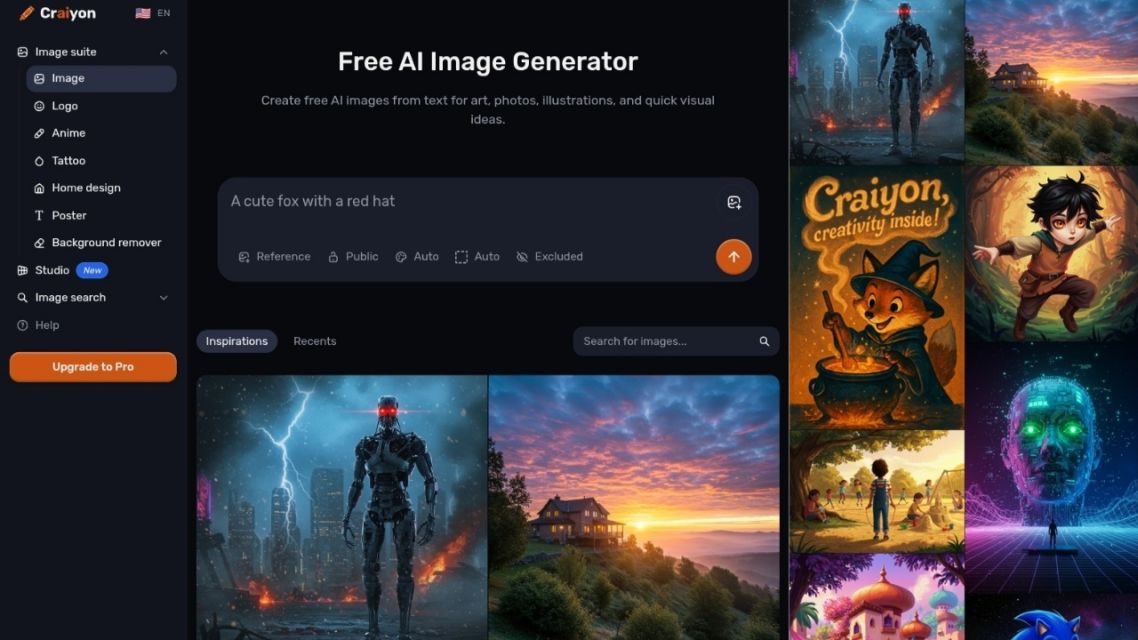
Create AI images instantly with Craiyon-craiyon.c via craiyon.com
What It Is:
Craiyon AI is the internet’s favorite accessible entry point. It’s a completely free, browser-based tool that requires absolutely zero signup for basic use.
Key Features:
- Free, unlimited basic generations.
- Simple style presets (art, drawing, photo).
- A straightforward, single-box prompt interface.
Pricing (Monthly):
- Free: $0 (Ad-supported, slower queue)
- Supporter: ~$5/mo (Fewer ads, faster speeds)
- Professional: ~$20/mo (No ads, priority queue, commercial use rights)
The Verdict:
- Pros: Zero setup friction and a genuinely free entry point for unlimited experimentation.
- Cons: The detail and quality are noticeably lower than premium platforms, and the free tier is heavy on ads.
- Best For: Students, casual users, meme creators, and anyone wanting to test prompt ideas without opening their wallet.
7. NoteGPT
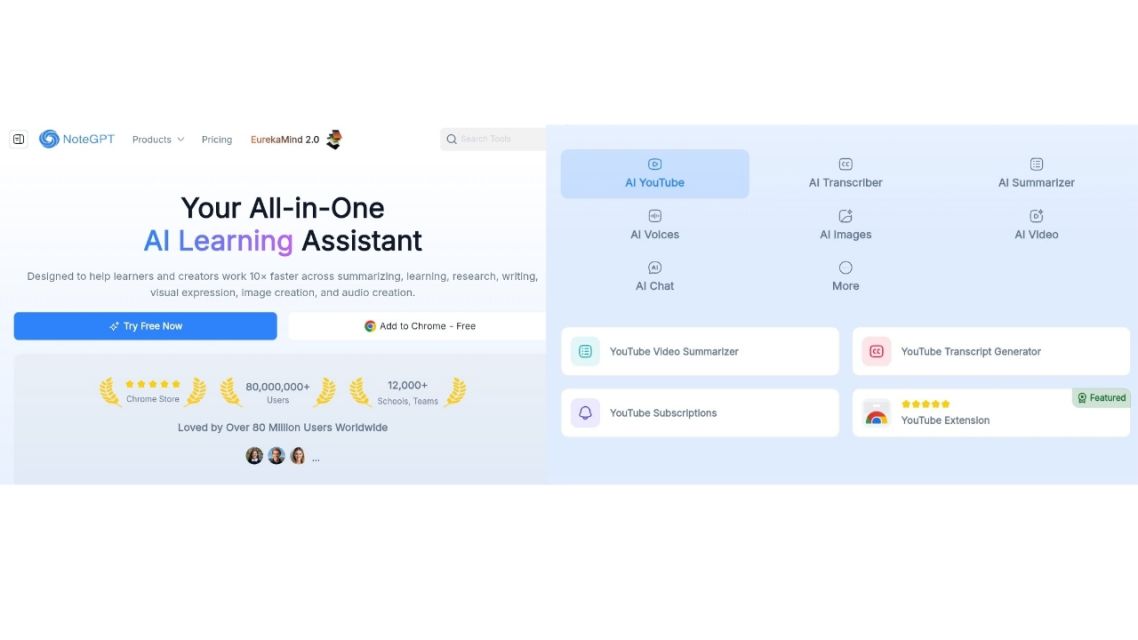
Create, summarize, and generate AI images in one workspace-notegpt.io via notegpt.io
What It Is:
Rather than being a standalone art tool, NoteGPT is an AI learning assistant that folds image generation (via GPT Image 2.0) directly into its suite of summary, transcription, and mind-mapping tools.
Key Features:
- Text-to-image is built straight into a note-taking environment.
- Simple three-step generation workflow.
- Outputs are tuned for social and marketing readability.
- Commercial rights are included on both free and paid tiers.
Pricing (Annual Billing):
- Education: $0 (50 images/mo)
- Pro: $9/mo (50 images/mo)
- Unlimited: $19.92/mo (700 images/mo)
- Max: $69/mo (2,500 images/mo)
The Verdict:
- Pros: Great for integrating visuals into study guides, plus you get commercial rights for free.
- Cons: It’s not a specialist image tool, so advanced editing features are basically non-existent.
- Best For: Students, researchers, and content creators building visuals inside a larger study or writing workflow.
8. WaveSpeedAI
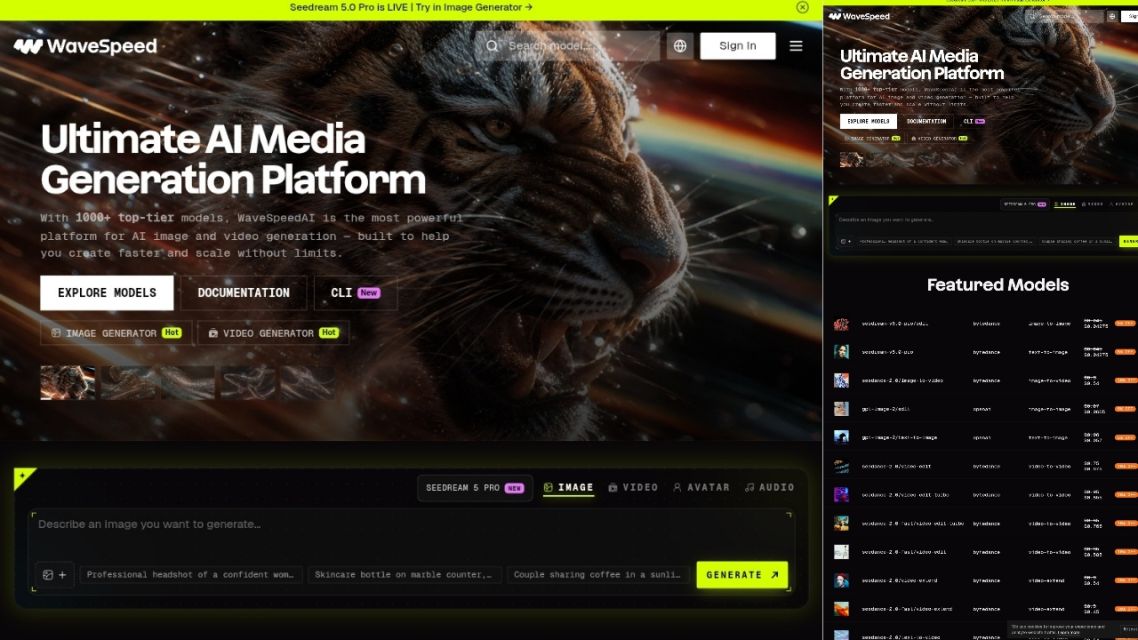
WaveSpeedAI platform with AI image generation interface and model library-wavespeed ai via wavespeed.ai
What It Is:
WaveSpeedAI caters to the technical crowd. It aggregates top open-source and commercial models under one interface and relies on a developer-friendly API and a transparent pay-per-image pricing model rather than flat subscriptions.
Key Features:
- Massive model catalog (Flux.1, SDXL, Nano Banana 2, Seedream 4.5).
- Deep controls: negative prompts, exact aspect ratios, and prompt strength parameters.
- API integration ready for production pipelines.
- Volume discounts for high-throughput enterprise teams.
Pricing (Pay-Per-Use):
- Z Image Turbo: $0.005 per image
- Flux 1.0 Klein: $0.008 per image
- Seedream 4.5: $0.04 per image
- Nano Banana 2: $0.07 per image
- Nano Banana Pro: $0.14 per image
(New users get 64 free credits to start).
The Verdict:
- Pros: You literally only pay for what you use, and the model variety is unmatched.
- Cons: No creative canvas for visual editing. Managing a pay-as-you-go budget takes a bit more effort than a flat subscription.
- Best For: Developers, technical teams, and product builders integrating AI image generation into their own apps.
9. Imagine Art
ImagineArt login page with AI-generated portrait artwork-image.art via www.imagine.art
What It Is:
If you are tired of juggling subscriptions, Imagine Art acts as a multi-format powerhouse. It handles image generation, video creation, music, and voice generation all under one roof.
Key Features:
- Text-to-image, image remixing, inpainting, and generative expansion.
- ControlNet integration for strict control over depth, poses, and visual structure.
- Batch generation (pump out up to 16 images at once).
- Access to external AI models like GPT, Gemini, and Claude on higher-tier plans.
Pricing (Annual Billing):
- Free: Daily limits apply ($0)
- Basic: $9/mo (3,000 credits)
- Standard: $20/mo (8,000 credits)
- Ultimate: $34/mo (18,000 credits)
The Verdict:
- Pros: Incredible creative range across different media formats with strong batching and upscaling features.
- Cons: The dashboard can feel dense and overwhelming for beginners, and the best features are locked behind higher tiers.
- Best For: Multi-format creators handling images, video, and audio who want to consolidate their tools.
10. Adobe Firefly
Create commercial-ready AI visuals with Adobe Firefly-adobe.com via www.adobe.com
What It Is:
Adobe Firefly is the corporate safety net. Trained strictly on commercially safe data (Adobe Stock and openly licensed content), this tool is deeply integrated into the Creative Cloud. It’s built for professionals who cannot afford copyright risks on client work.
Key Features:
- 100% commercially safe training data.
- Generative Fill and Expand directly inside Photoshop.
- Text Effects and Generative Recolor inside Illustrator.
- Fine-tuned style, lighting, and composition controls with up to 4K output on high tiers.
Pricing (Monthly):
- Free: Daily allocation ($0)
- Standard: $9.99/mo (2,000 credits)
- Pro: $19.99/mo (4,000 credits)
- Pro Plus: $34.97/mo (10,000 credits)
The Verdict:
- Pros: Bulletproof legal safety for client work and flawless integration with industry-standard Adobe apps.
- Cons: The style range is noticeably more conservative/brand-safe, and the best value really only comes if you’re already in the Adobe ecosystem.
- Best For: Agencies, in-house brand teams, and existing Adobe users who require absolute commercial safety.
Final Thoughts: Choosing Your Generator in 2026

Choose the AI image generator that best fits your creative workflow-canva via canva.com
There is no single “winner” that covers every use case perfectly. The right platform depends entirely on what you’re making and who you’re making it for.
- Need consistent characters at print resolutions? → Nano Banana Bingo
- Want GPT Image 2 access & tools without ChatGPT? → Chat Image
- Crafting 90s high-quality anime concepts or game assets? → Leonardo AI
- Running social media with limited design skills? → Canva
- Producing cinematic, highly-controlled content? → Higgsfield
- Testing prompts on a budget? → Craiyon AI
- Working images into study or research materials? → NoteGPT
- Integrating generation APIs into your own app? → WaveSpeedAI
- Handling video, music, and images in one workspace? → Imagine Art
- Serving enterprise brand teams with strict legal needs? → Adobe Firefly
Match the tool to your actual workflow, not the hype. Every platform on this list serves a specific creator profile incredibly well. Start with a free tier, run your toughest prompts through two or three options, and let the outputs make the decision for you.
ADVERTISEMENTS