
Good visuals are one of the biggest bottlenecks in content, marketing, and design work; not because ideas are scarce, but because producing a polished image usually means a photoshoot, a designer, or hours in editing software. Many teams end up either paying for production they don’t have time for or settling for stock photography that never quite matches the brand or product in front of them.
An AI Image Maker changes that equation by generating a finished visual directly from a written description or an existing photo. Supermaker AI’s version is built around that core function, giving creators, marketers, and businesses a fast route from an idea to a usable image, along with a wider set of creative tools across the same platform that can support that visual once it’s created.
What Supermaker AI Image Maker Is

At its core, Supermaker AI Image Maker works through Text to Image generation; a written prompt becomes a visual, and Image to Image, which uses an existing photo as the starting point for a new result. Both are powered by the same AI Image Generator engine, and the tool is free to start, with no login or credit card required.
Output is customizable at the point of generation: aspect ratio (with options ranging from square to widescreen to vertical), resolution up to 4K, and up to four images per prompt. Every generated image is royalty-free and produced without watermarks, which matters for anyone planning to use the output beyond a personal test.
Key Features of Supermaker AI Image Maker
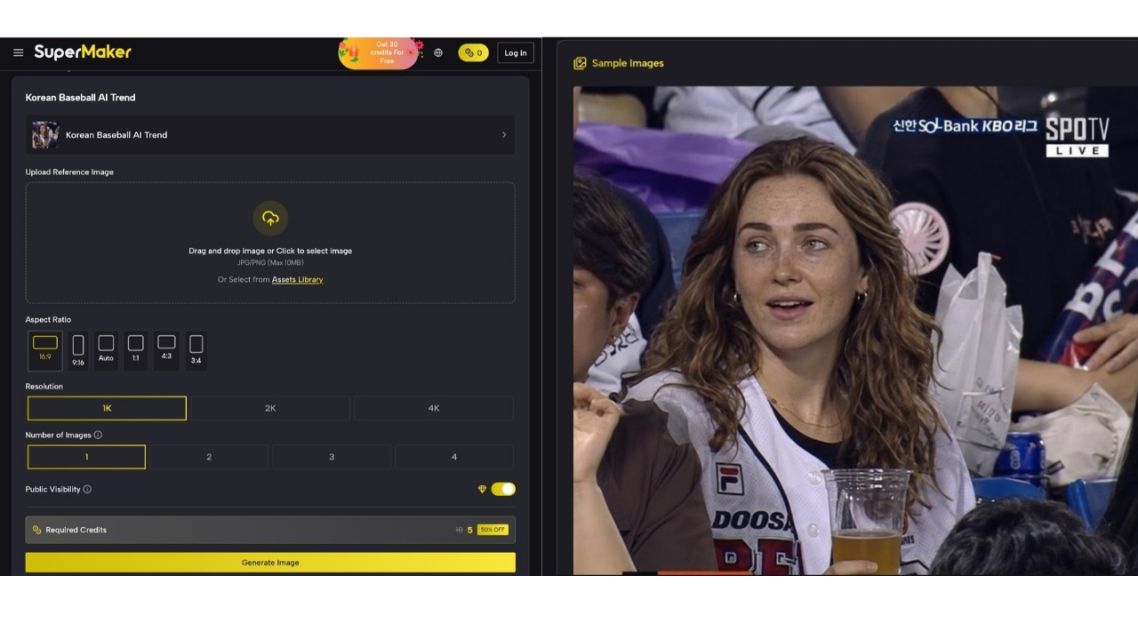
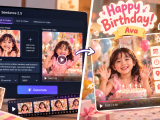
Prompt and sample image-SupermarkerAI via supermaker.ai
ADVERTISEMENTS
Text to Image and Image to Image Generation
Generate a new image from a written prompt, or use an existing photo as a base for a new result — flexibility that depends on whether a project starts from a concept or from existing visual material.
Customizable Output
Aspect ratio, resolution, and number of images per prompt can all be adjusted, letting output be shaped for different placements — social posts, print, web banners, or product listings — from a single generation session.
Royalty-Free, Watermark-Free Images
Generated visuals come without watermarks and are royalty-free, supporting direct use in commercial or public-facing work rather than treating results as placeholders.
Cloud-Saved Image Library
Generated images are saved automatically, making it possible to revisit and reuse earlier work instead of losing track of past generations.
Several additional tools — one-click stylistic effects, in-platform editing like object removal and canvas expansion, photo restoration, and image-to-video conversion — are listed on Supermaker’s roadmap but are not yet part of the live product, so they’re worth knowing about without treating them as available today.
The Rest of the Supermaker AI Toolset
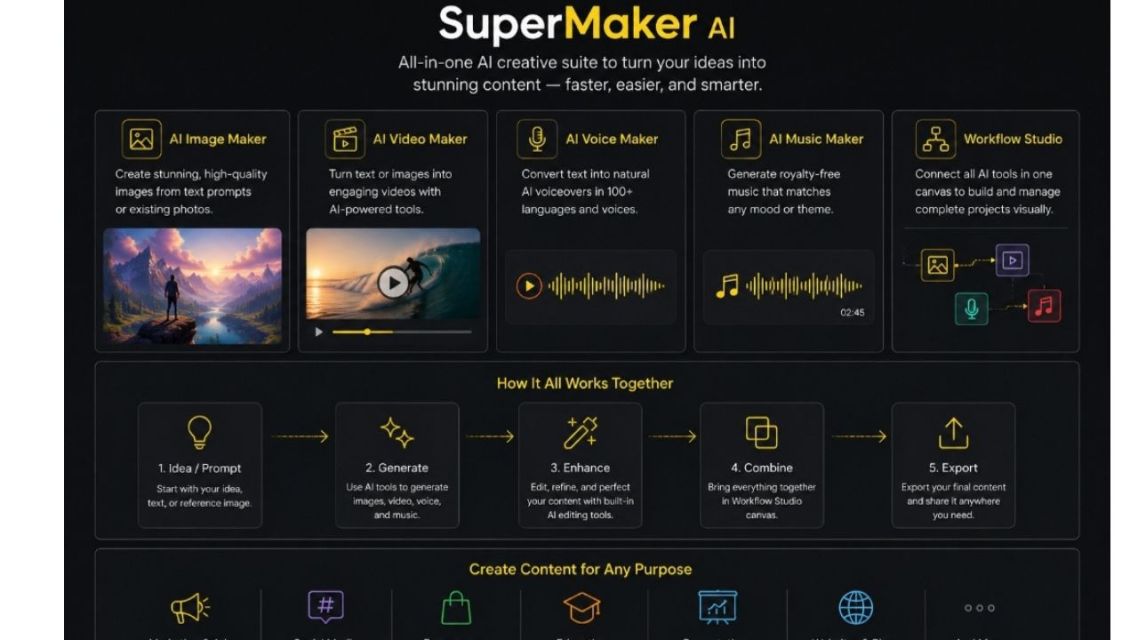
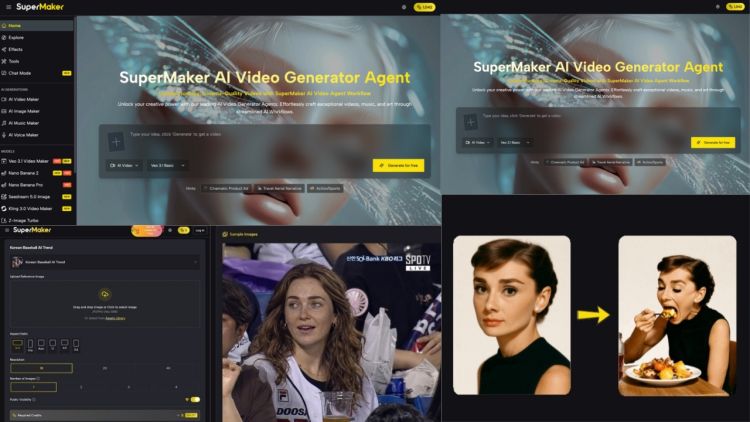
Supermaker AI combines multiple AI tools in one creative platform via canva.com
Image generation doesn’t sit alone on the platform. Supermaker AI also includes an AI Video Maker, which turns text or images into video through Text to Video and Image to Video generation, with scripting, editing, and sound tools built into the same workflow. An AI Music Maker generates complete, royalty-free tracks from lyrics or a short theme description, with genre and mood controls.
An AI Voice Maker converts text into speech across a wide range of languages and voice styles, with generated audio available for download and reuse. On top of these, the AI Image Generator and other generation tools can be combined inside Supermaker’s canvas-based Workflow Studio, where outputs from different tools are linked together as nodes in a single project.
How These Tools Support the Image Maker Workflow
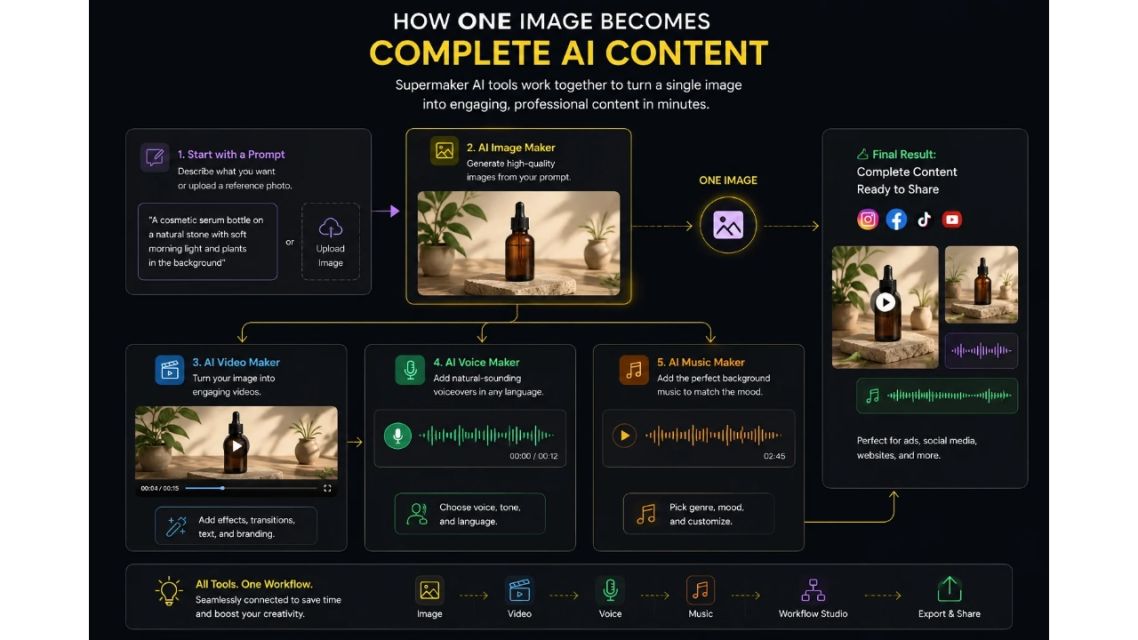
Turn one AI-generated image into complete multimedia content. via canva.com
None of these tools requires leaving the image generation process to use. A product photo generated in AI Image Maker can be turned into a video through Image to Video in the Video Maker, paired with narration from the Voice Maker, or set to a custom track from the Music Maker, all without exporting to a separate platform. For a single static image, that means a straightforward path to a more complete piece of content: visual, motion, voice, and sound, if a project calls for it, without switching to a different toolset for each part.

Who Uses It
- E-commerce professionals. Generating product imagery and lifestyle-style visuals without a full photoshoot.
- Marketers. Produce graphics for ads, campaigns, and social content without a separate design cycle for every asset.
- Content publishers. Creating custom visuals to accompany articles instead of relying on generic stock photography.
- Architects and designers. Visualize concepts and design iterations quickly, without rendering software.
- Educators and event planners. Building custom visuals for presentations, materials, and promotions.
Practical Benefits
- Faster turnaround. Images generate in seconds, cutting out the wait tied to a photoshoot or design queue.
- No design software required. Generation is based on simple text and image inputs.
- Commercially usable output. Premium-plan images come with full commercial rights, and outputs are royalty-free and watermark-free by default.
- Flexible formatting. Adjustable aspect ratio and resolution support different platforms from the same generation.
- Room to grow the asset. A generated image can move into video, voice, or music tools on the same platform if a project needs more than a static visual.
Frequently Asked Questions
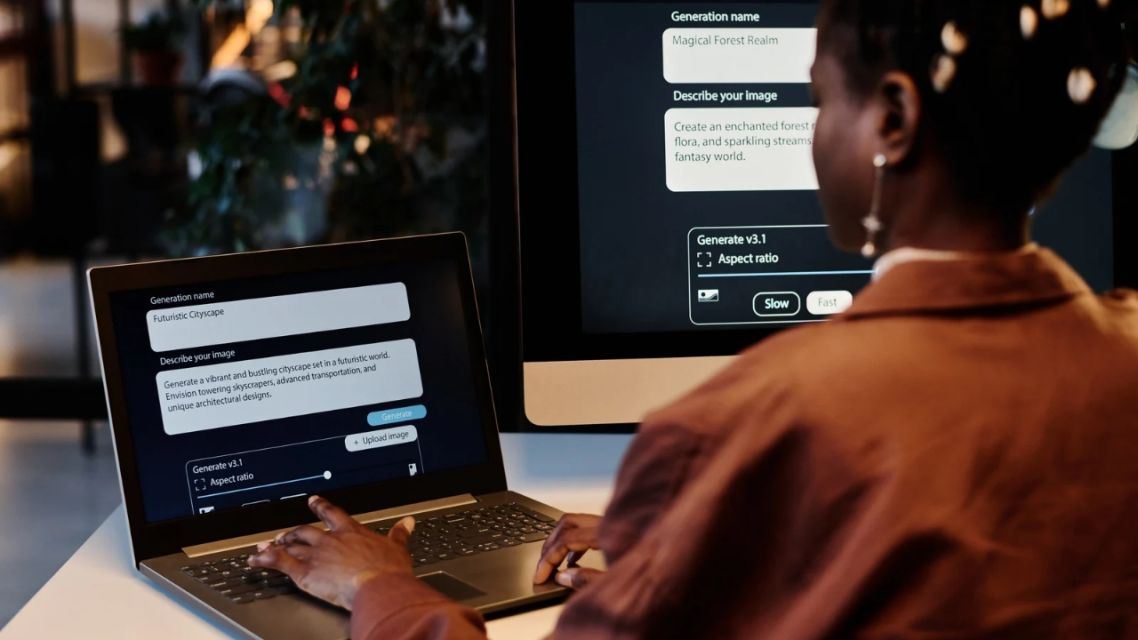
Create AI-powered visuals in minutes. via canva.com
Do I need design experience to use this tool?
No. Generation is based on text prompts or existing images, and the interface doesn’t require prior design or editing skills.
Can generated images be used commercially?
Yes, images produced on a premium plan come with full commercial rights, and outputs are royalty-free by default.
Can a generated image be turned into video or paired with audio?
Yes, through Supermaker’s separate Video Maker, Voice Maker, and Music Maker tools, which can work with images generated in the Image Maker as part of a larger project.
Are the upcoming editing and effects tools available now?
Not yet. Features like one-click style effects, object removal, canvas expansion, and photo restoration are listed as planned additions rather than current functionality.
Conclusion
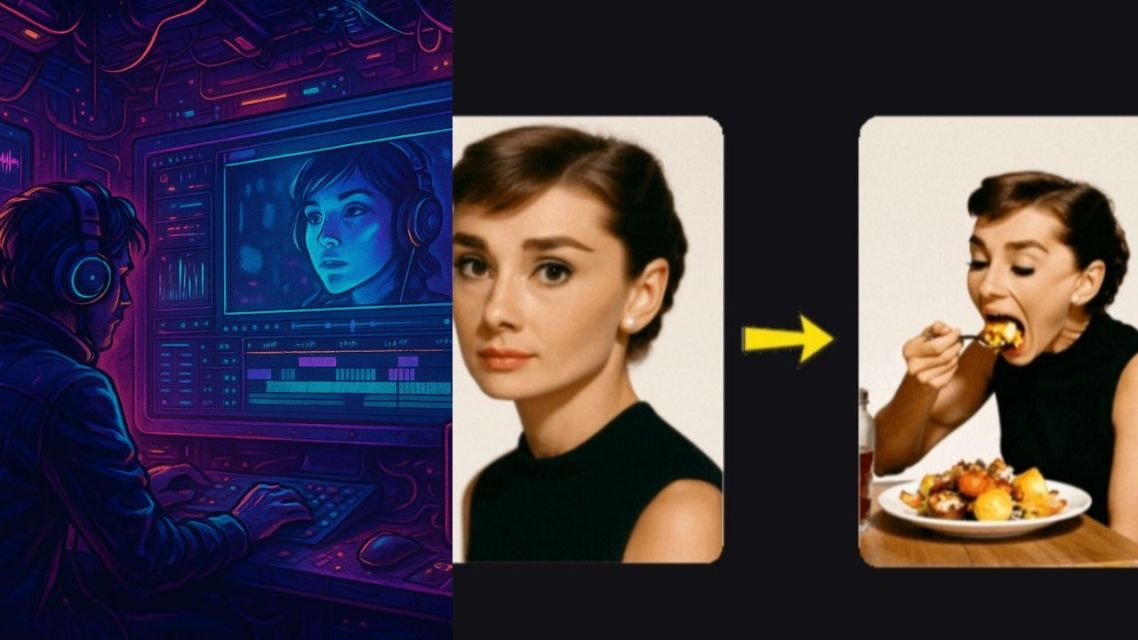
Turn ideas into ready-to-use content with Supermaker AI. via canva.com
For anyone regularly in need of custom visuals, Supermaker AI Image Maker offers a direct route from an idea or existing photo to a finished image, without the overhead of a full design or photography process. Combined with the platform’s video, voice, and music tools, a single generated image can become the starting point for a more complete piece of content rather than a standalone file. For teams and creators producing visual content regularly, that combination covers a meaningful share of everyday production needs — worth trying directly on your next project.
ADVERTISEMENTS