
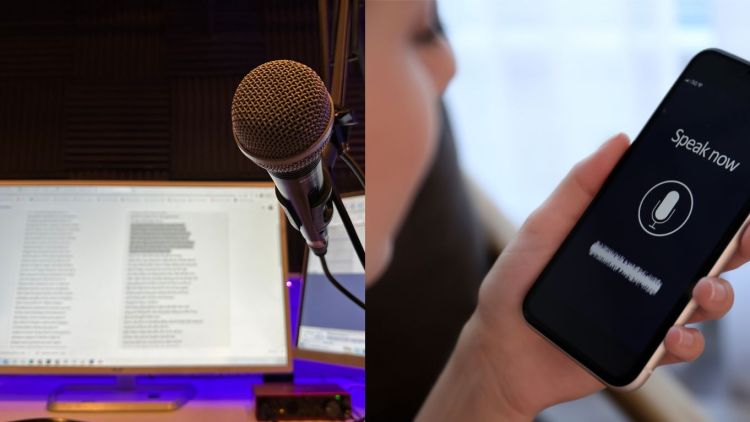
Scroll through any short-video app and you will hear it: a narrator who sounds like a cartoon chipmunk, a horror story told in a deep, echoing growl, or a gaming clip voiced by a robot. Voice-altering tools have quietly become one of the most popular creative effects online. They are no longer just novelty filters, either. Creators use them to protect their privacy, give characters distinct personalities, and make content more fun to watch.
If you have ever wondered how these tools actually reshape a voice, or how to use one without making your video sound cheap, this guide walks you through the basics.
How voice changers work
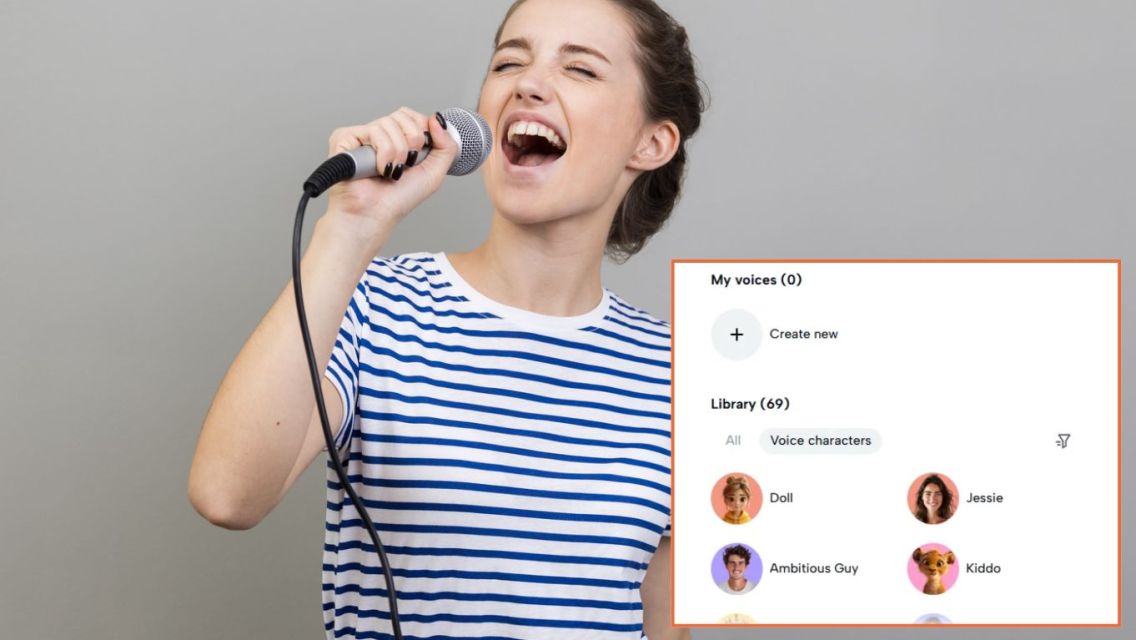
Every voice has a few measurable traits. Pitch is how high or low it sounds. Formants are the resonant frequencies shaped by the throat and mouth, and they are a big part of what makes your voice recognizably yours. Timbre covers texture, such as breathiness or raspiness, while tempo is the speed of speech.
Traditional voice effects work by adjusting these traits directly. Raise the pitch and you get a “chipmunk” sound. Lower it and add some reverb, and you have a movie-trailer narrator. Shift the formants along with the pitch, and the result can sound like a different person rather than a sped-up recording.
Newer AI-based tools go a step further. Instead of simply stretching or squeezing the sound wave, they analyze speech patterns and re-synthesize the audio in a target voice style. That is why modern effects can turn a casual voiceover into a convincing robot, a giant, or an animated character while keeping your words clear.
Popular ways creators use voice changers
Voice effects are surprisingly versatile. Here are some of the most common reasons people reach for them:
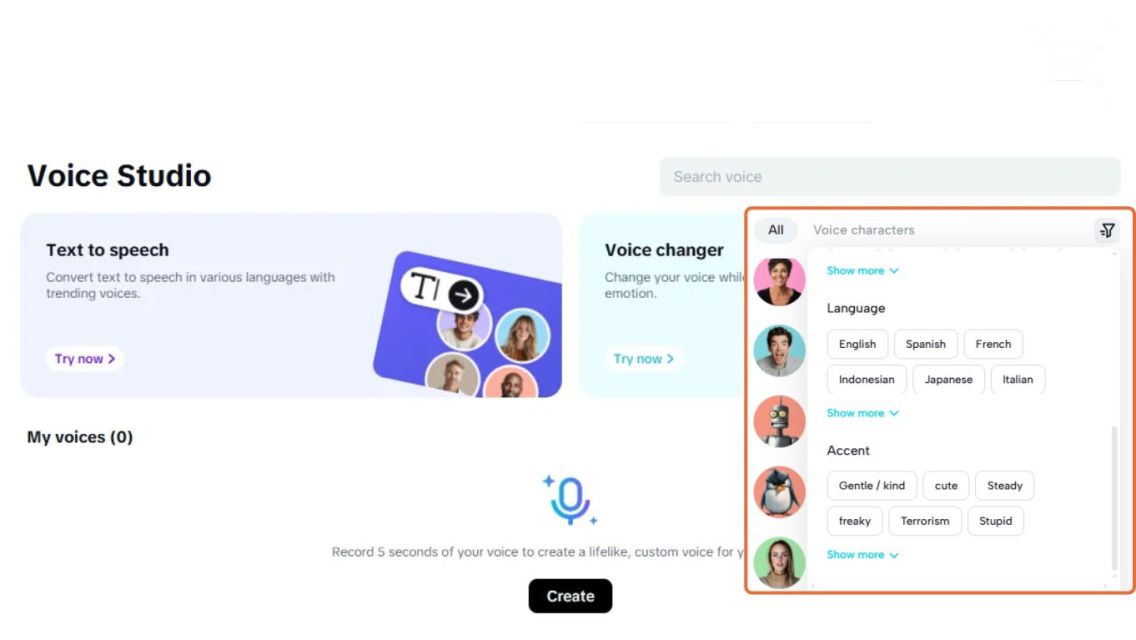
You do not need professional audio software to try any of this. Browser-based tools now let you upload a clip, pick an effect, and preview the result in seconds. For example, an online voice changer can apply character voices and filters to a recorded voiceover or video without installing anything, which makes experimenting quick even for beginners.
ADVERTISEMENTS
Tips for a natural-sounding result
The difference between a fun effect and an annoying one usually comes down to a few small choices.
- 1Start with clean audioRecord in a quiet room and keep the microphone at a consistent distance. Background noise gets distorted along with your voice, so a clean recording makes any effect sound better.
- 2Do not overdo itExtreme pitch shifts can make words hard to understand. If viewers need to read captions just to follow along, dial the effect back.
- 3Match the voice to the moodA cheerful cartoon voice works for a recipe hack, but it may feel out of place in a serious explainer. Choose effects that support your message.
- 4Keep it consistentIf a character has a specific voice, use the same settings every time they appear so your audience recognizes them.
- 5Add captionsAltered voices are harder to follow with the sound off. Subtitles keep your content accessible and easier to watch in public.
Using voice tools responsibly
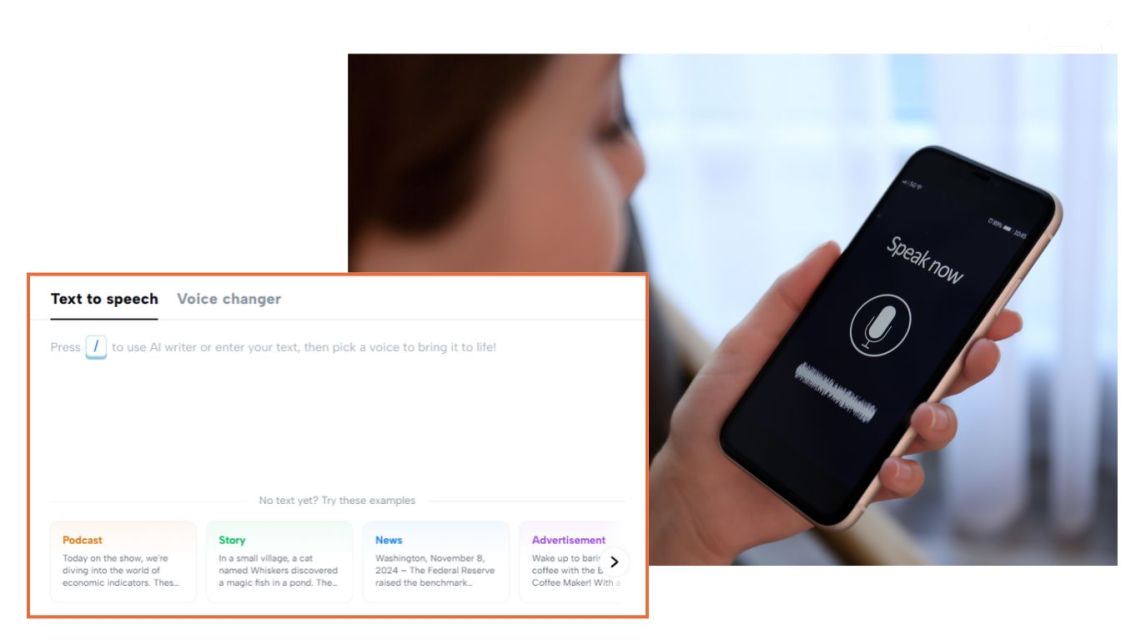
As voice technology becomes more realistic, it also raises fair questions about trust. A few simple habits help keep your content on the right side of the line:
Used thoughtfully, voice effects are simply another creative tool, like color grading or background music. They help you tell stories in new ways, as long as your audience can still trust what they are hearing.
Final thoughts
Voice changers have evolved from simple pitch filters into flexible creative tools powered by smarter audio processing. Whether you want to protect your identity, voice a cast of characters, or just make a clip more entertaining, the key is to start with good audio, keep the effect purposeful, and use it honestly. Experiment a little, listen back with fresh ears, and let your voice, altered or not, help your content stand out.
ADVERTISEMENTS
Artikel Bermanfaat dan Menghibur Lainnya
Tim Dalam Artikel Ini

Bisa diajak diskusi panjang lebar tentang kehidupan asal ada segelas kopi di atas meja. Mengubah kafein menjadi inspirasi, lalu merangkainya menjadi cerita. Percaya bahwa ide-ide terbaik selalu datang dari hal-hal yang paling sederhana.